JamTrack
An app for producers: swipe through songs, keep the ones you like, and take any of them apart — what the artist used, what in your own software gets close, and where the samples are.
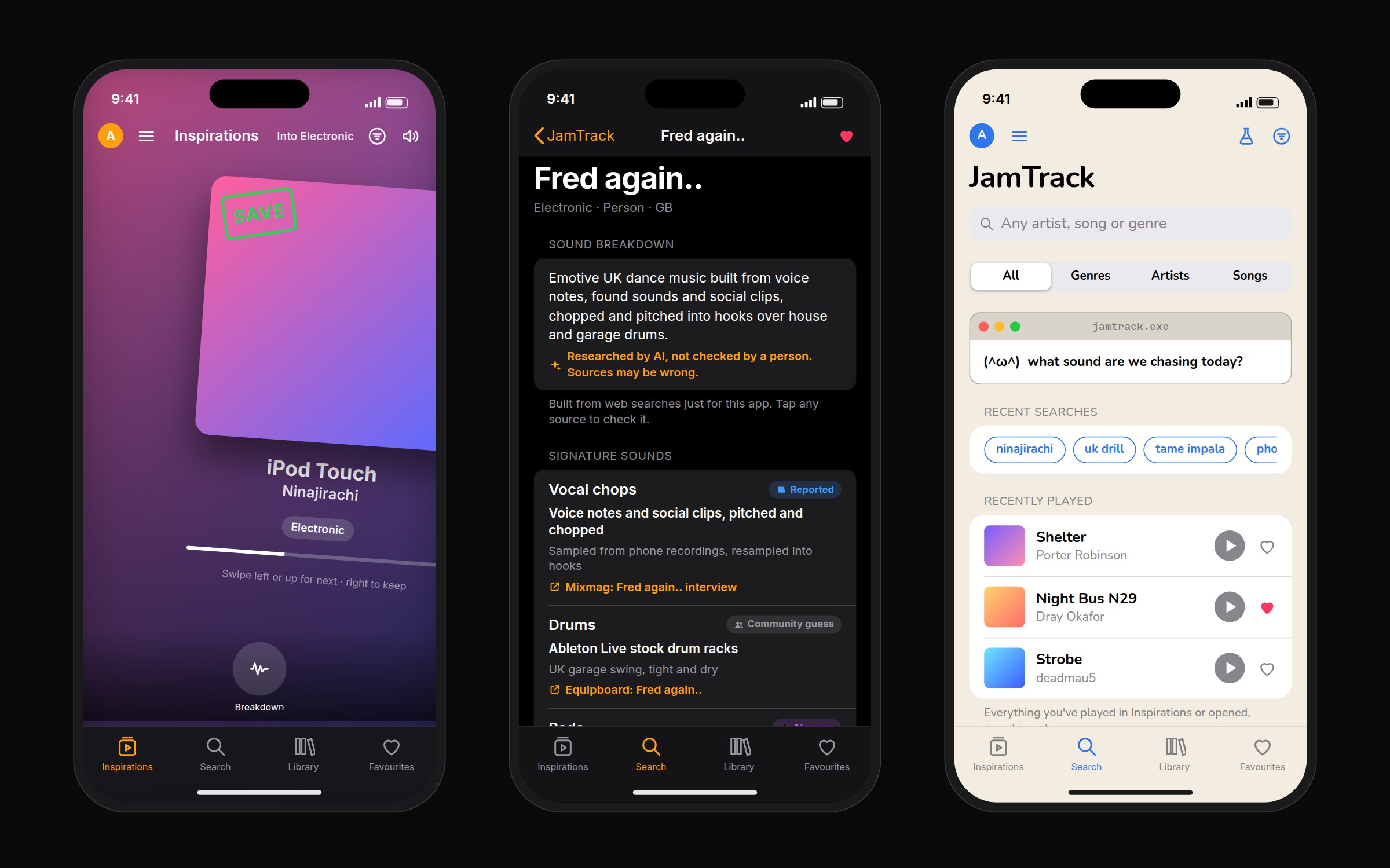
I make music, and the hardest part is working out how an artist got a sound and then finding something similar I can actually use. The information exists, but it's spread across interviews, studio tours and forum threads. Plenty of producers don't want to spend much on plugins either, and it's hard to know when something close is already sitting in the software you own. I wanted one place that answers all of that.
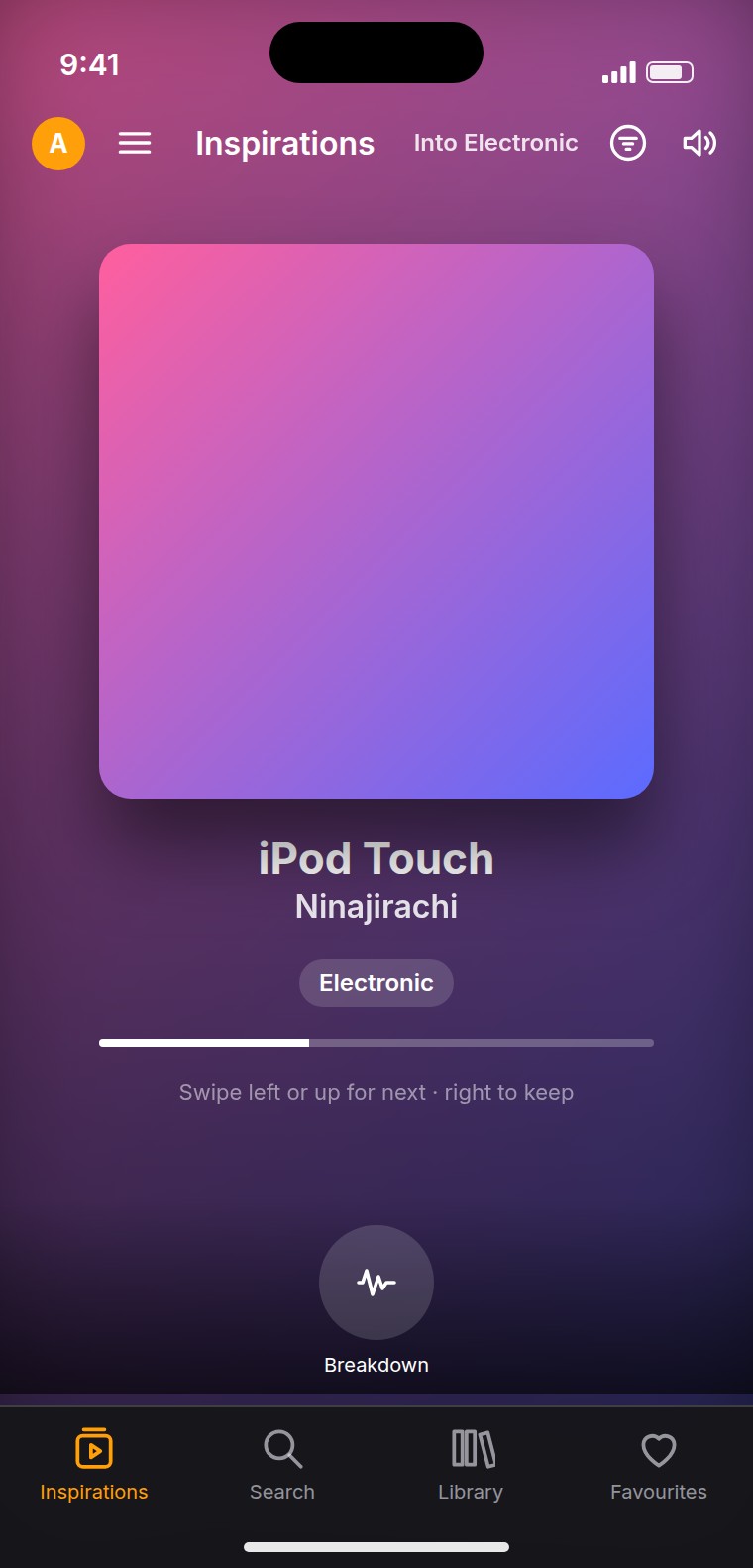
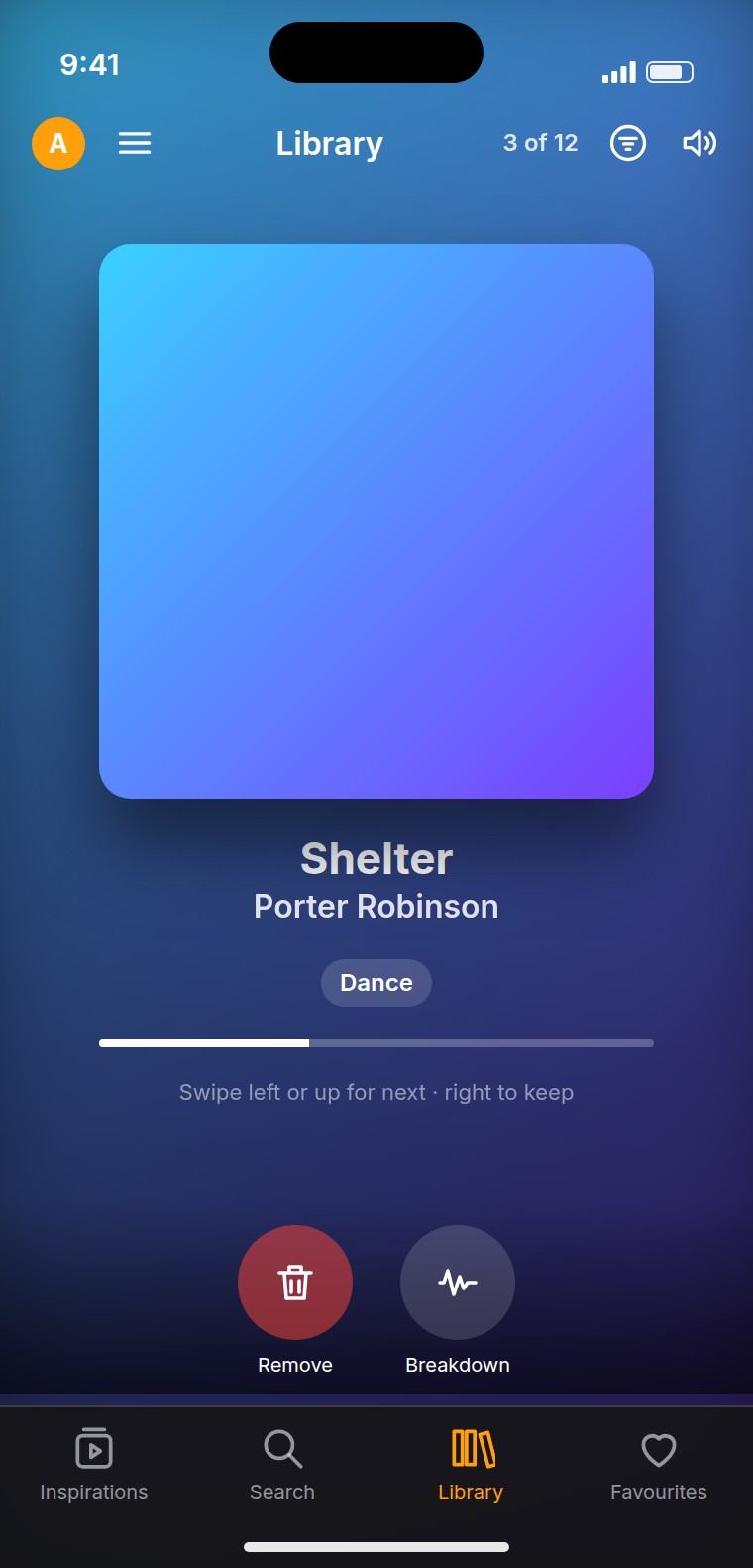
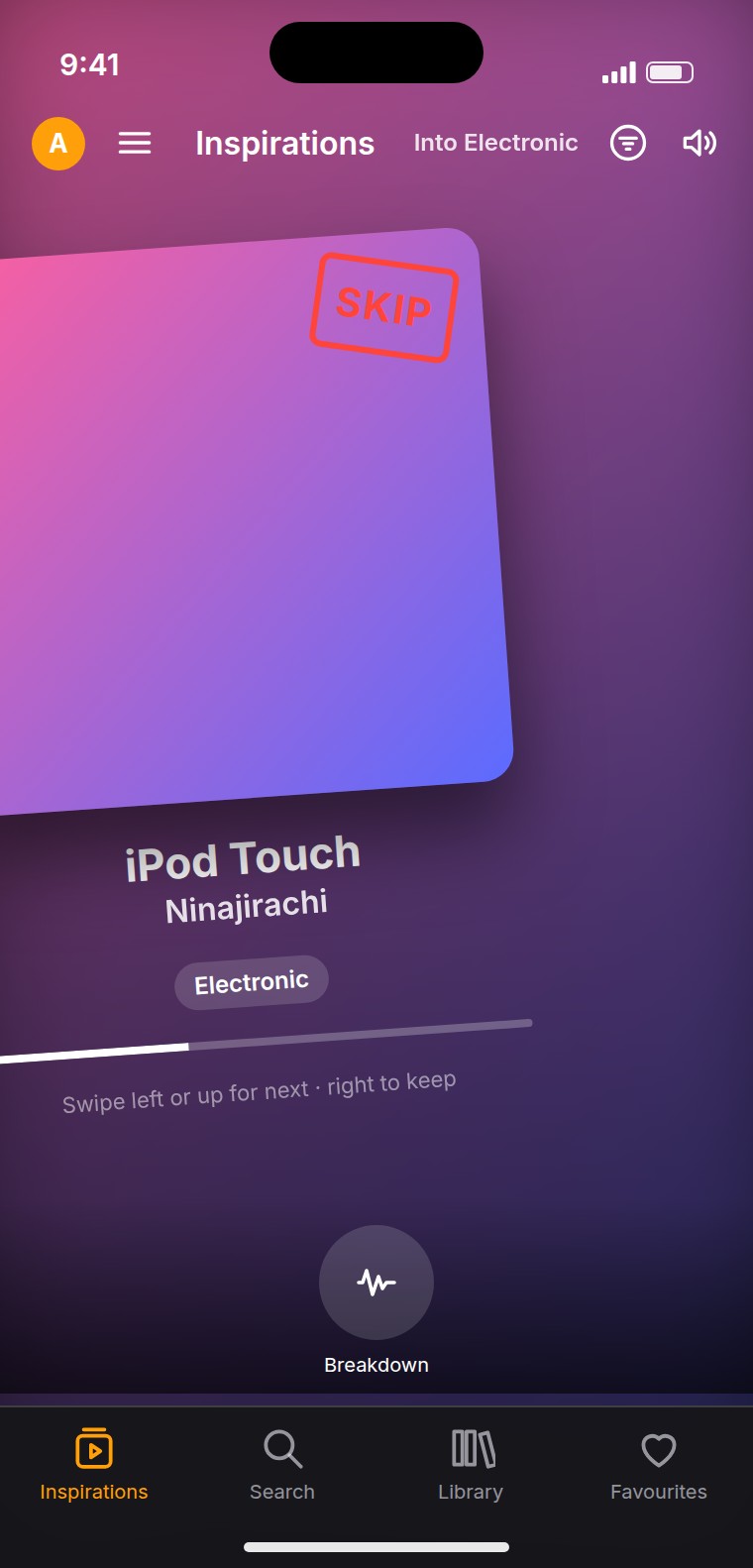
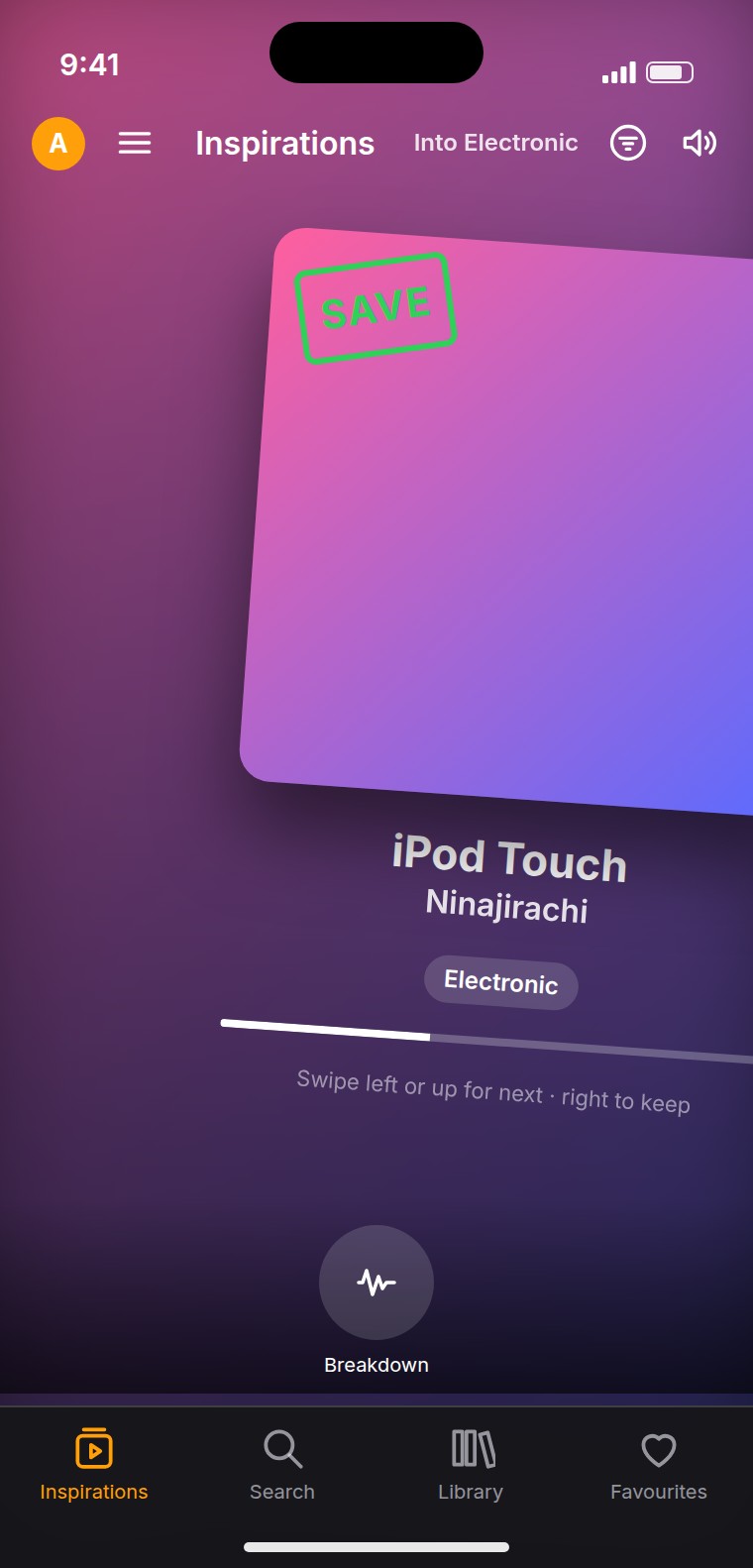
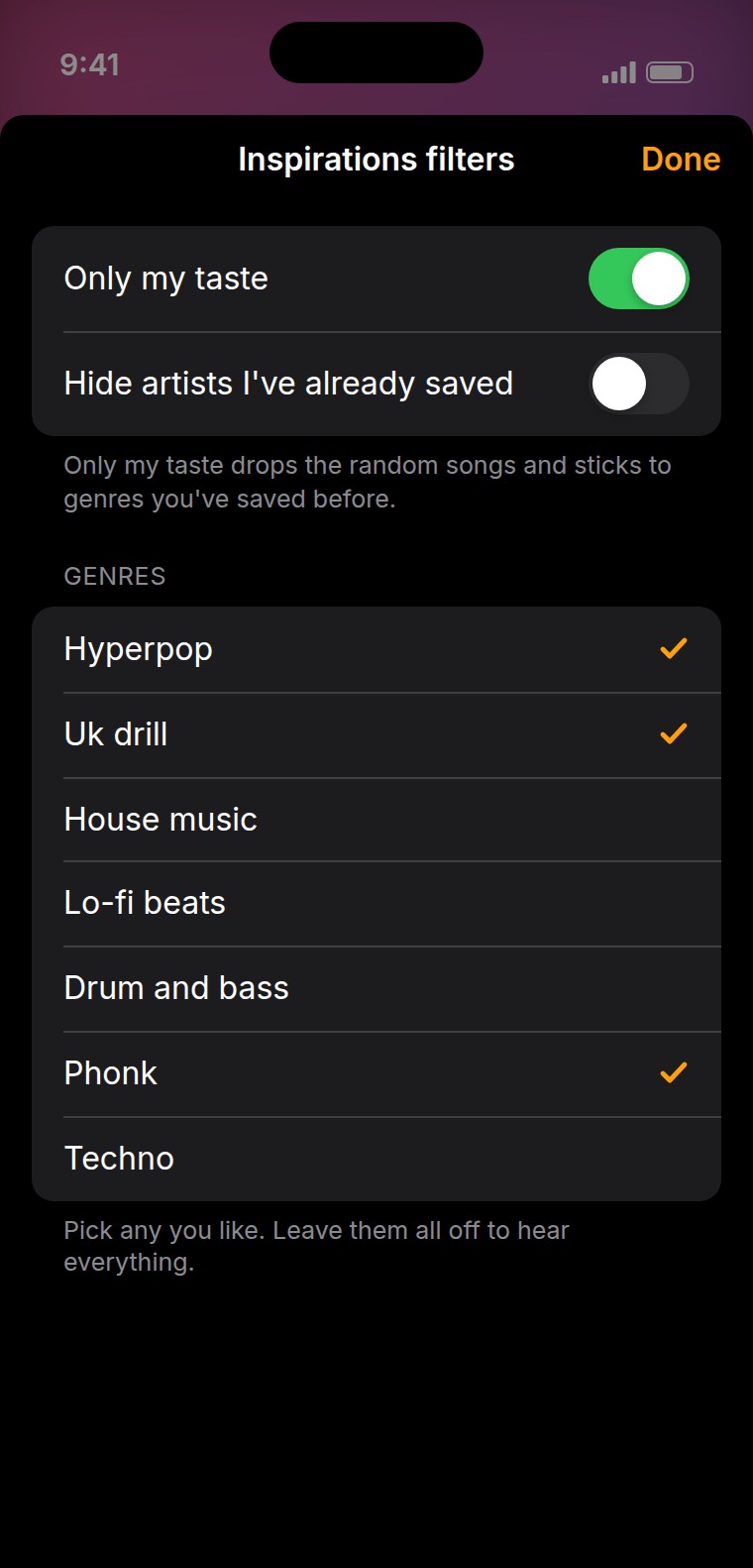
It opens on Inspirations: one song at a time, full screen. Swipe left or up to skip it, right to keep it. Whatever you keep goes to a Library you can go back through the same way, and anything in either can be taken apart with one tap. Filters keep it to the genres you want, or to the kind of thing you have saved before.
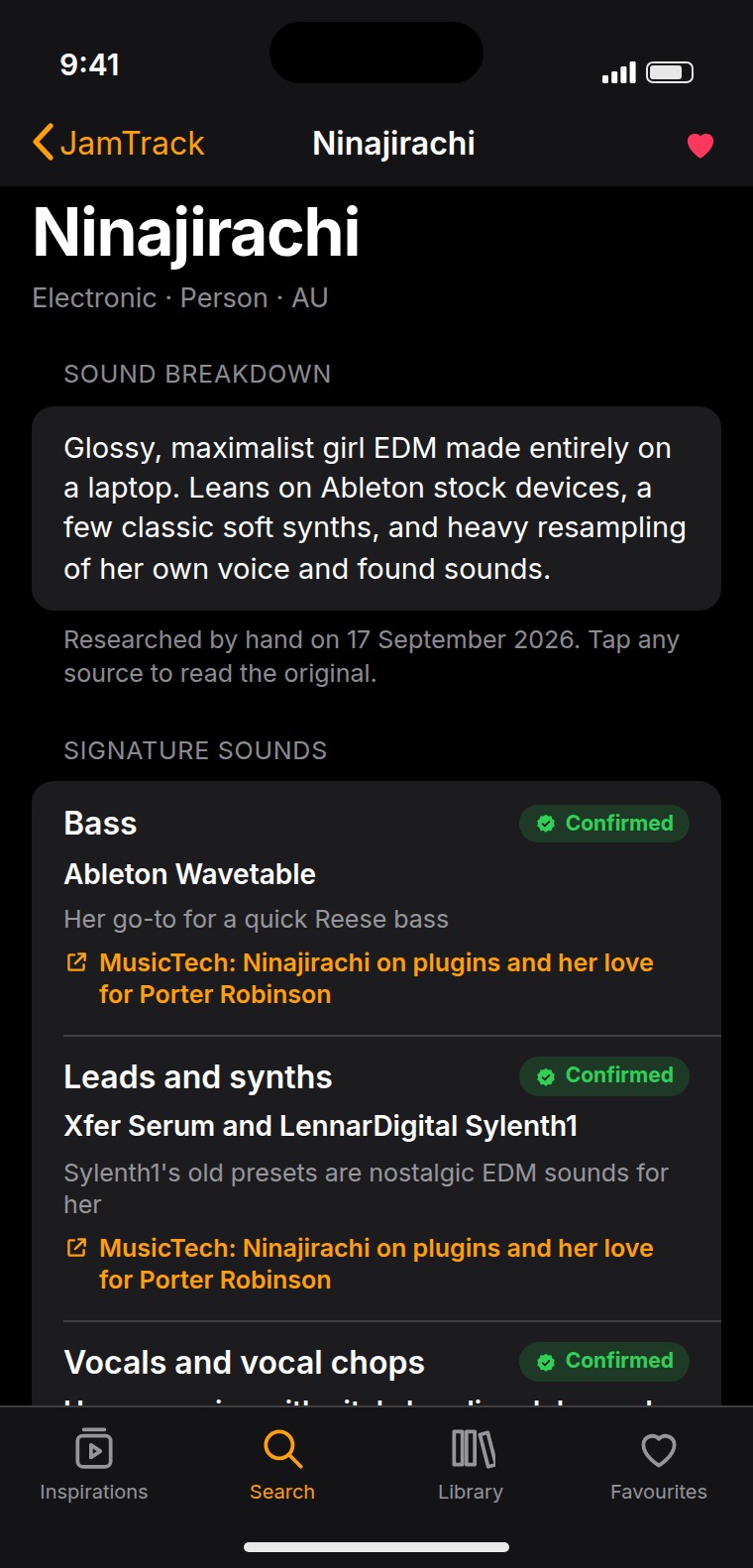
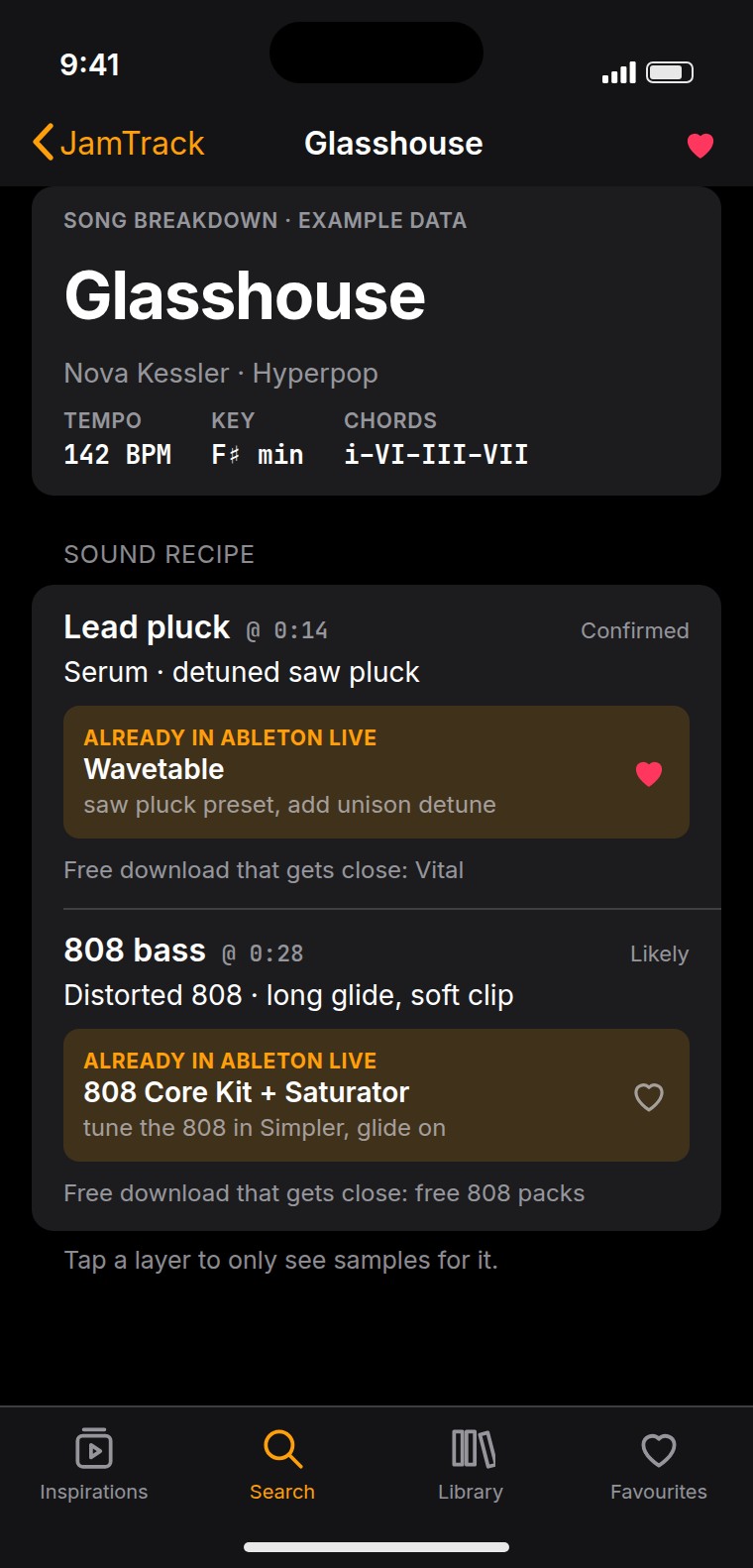
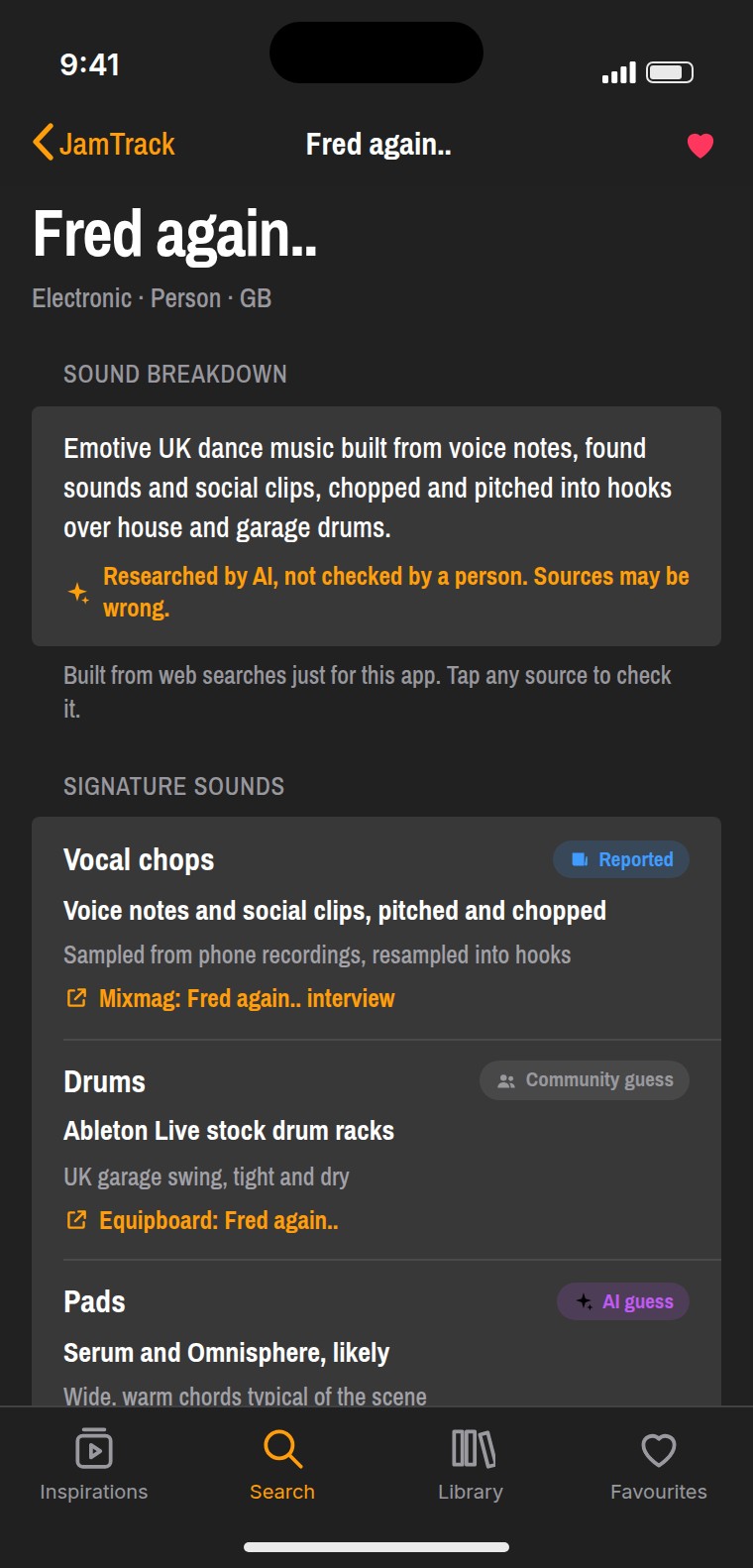
An artist page breaks their sound into layers — leads, bass, drums, vocals — because that's how you'd rebuild it rather than how a shop would list it.
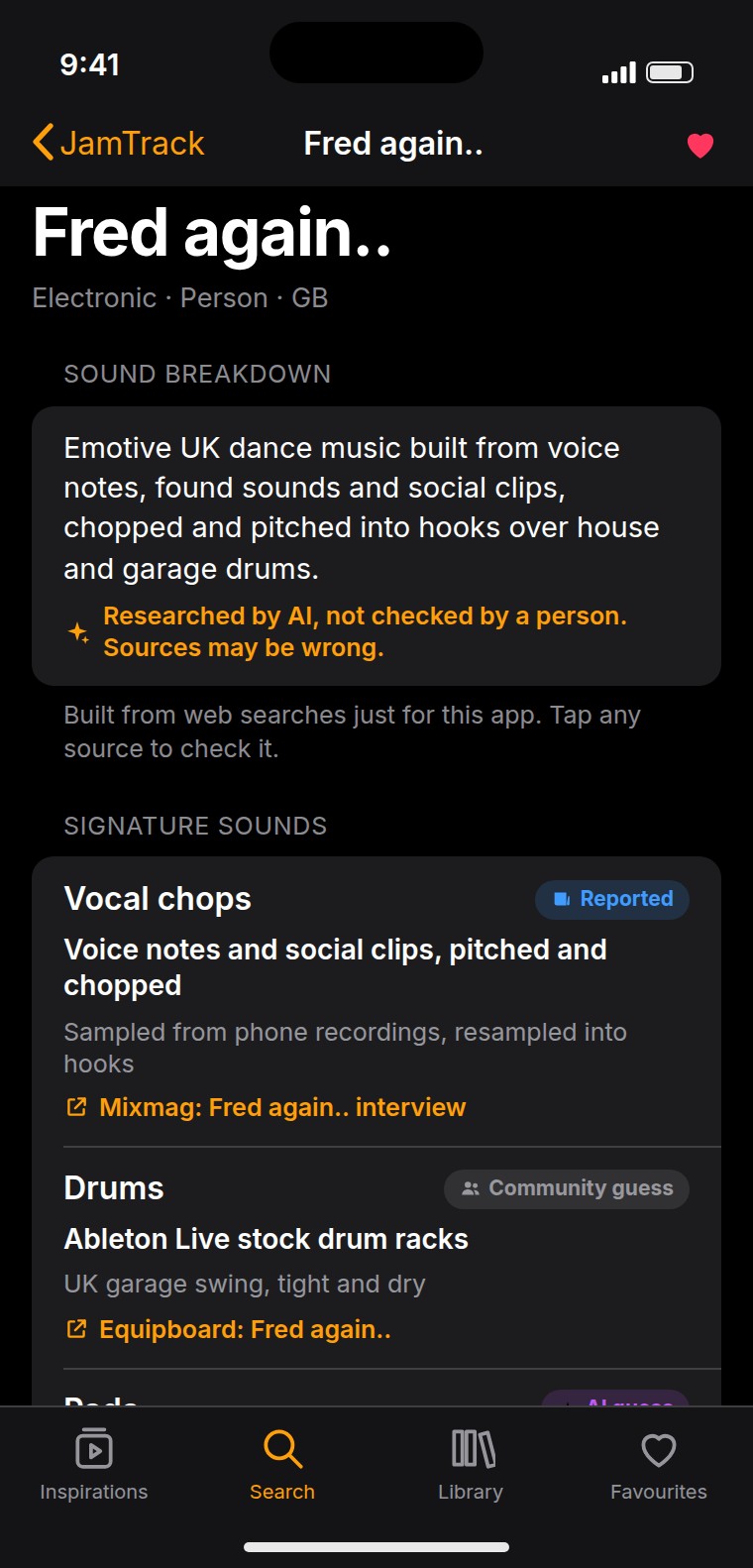
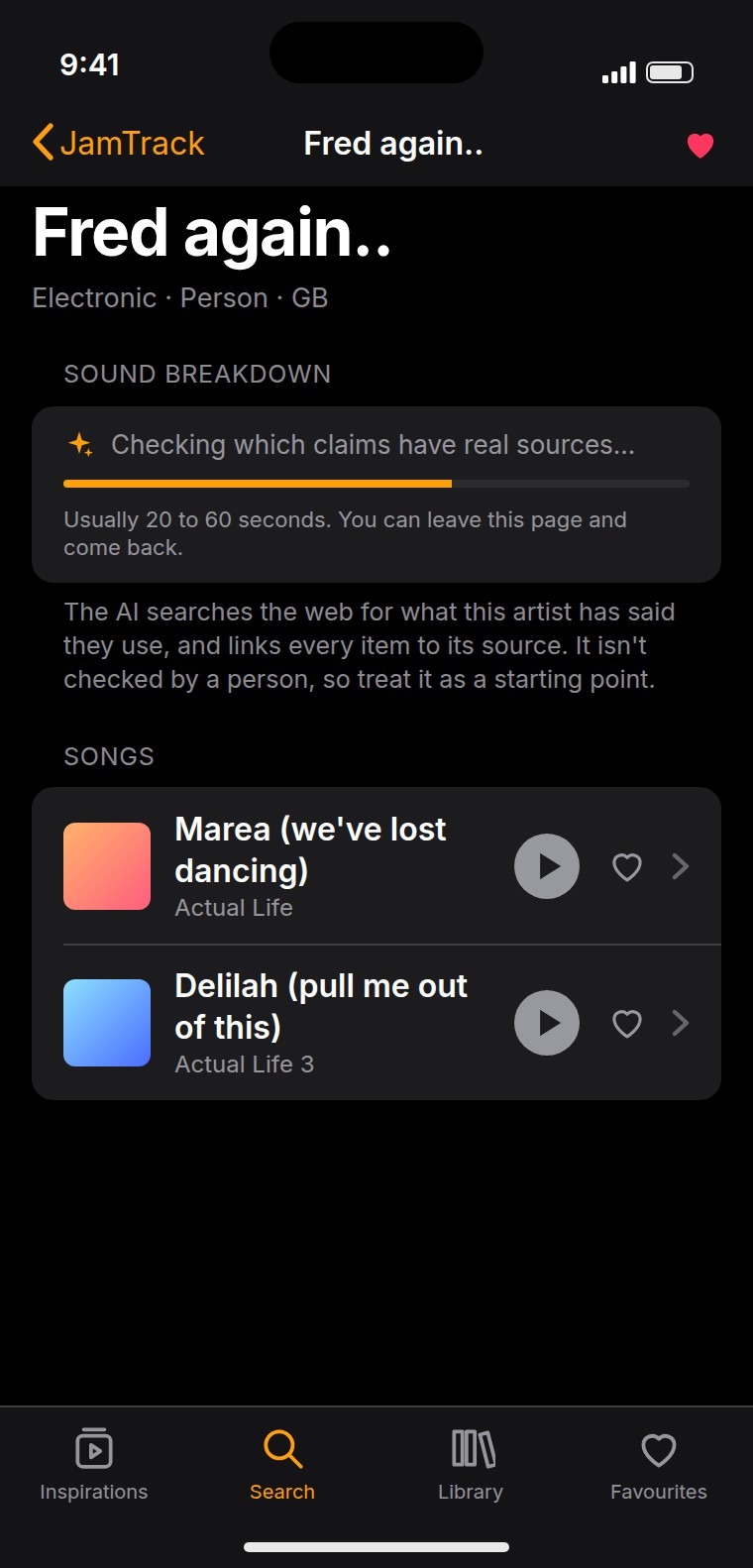
Every piece of gear links back to the interview or article it came from, and carries a label: Confirmed, Reported or Community guess. Five artists have breakdowns I researched by hand, dated, with the sources attached. For anyone else the app runs a search of its own and shows what it comes back with — and says at the top of the page that it was researched by AI, not checked by a person, and may be wrong. Nothing is put up as fact without somewhere to go and check it.
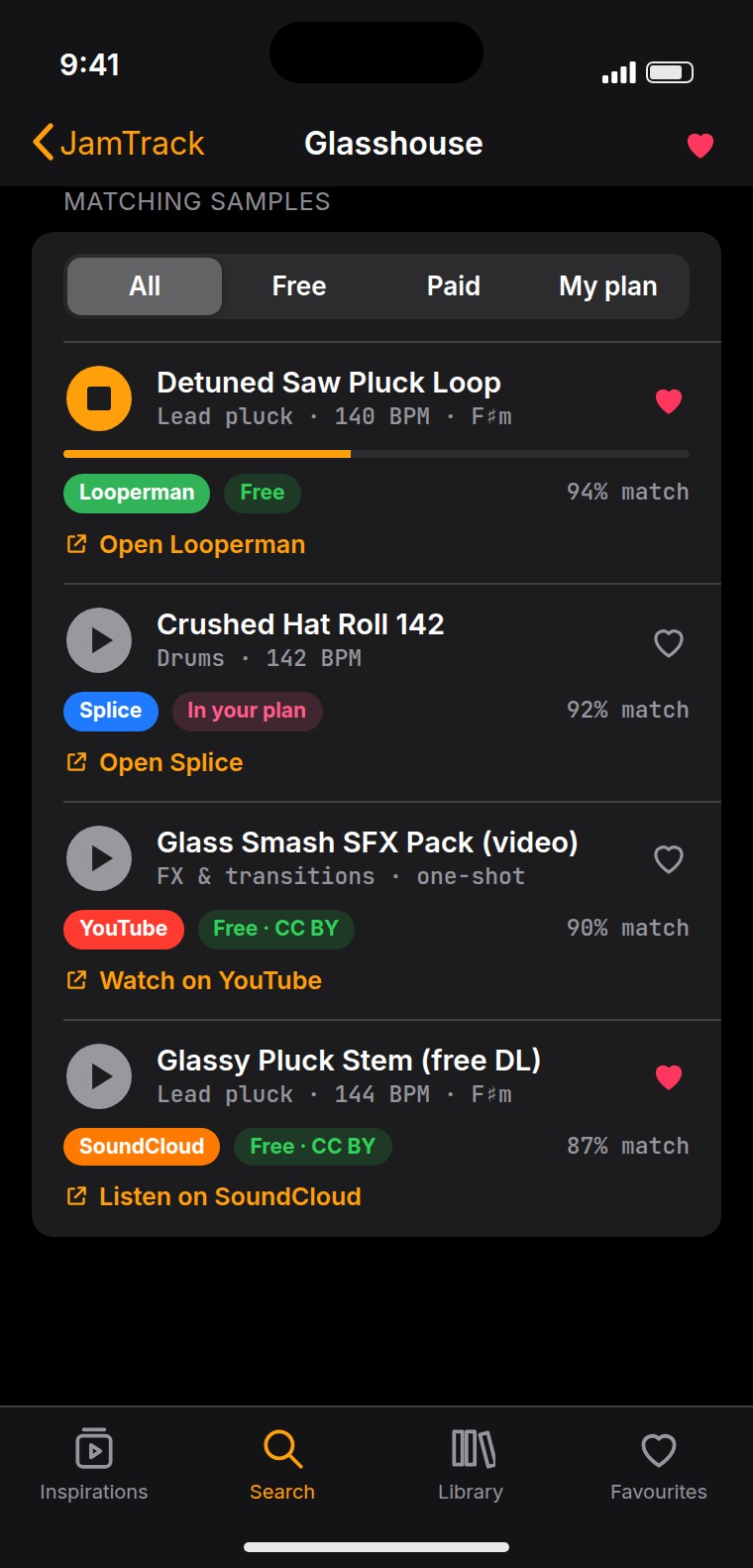
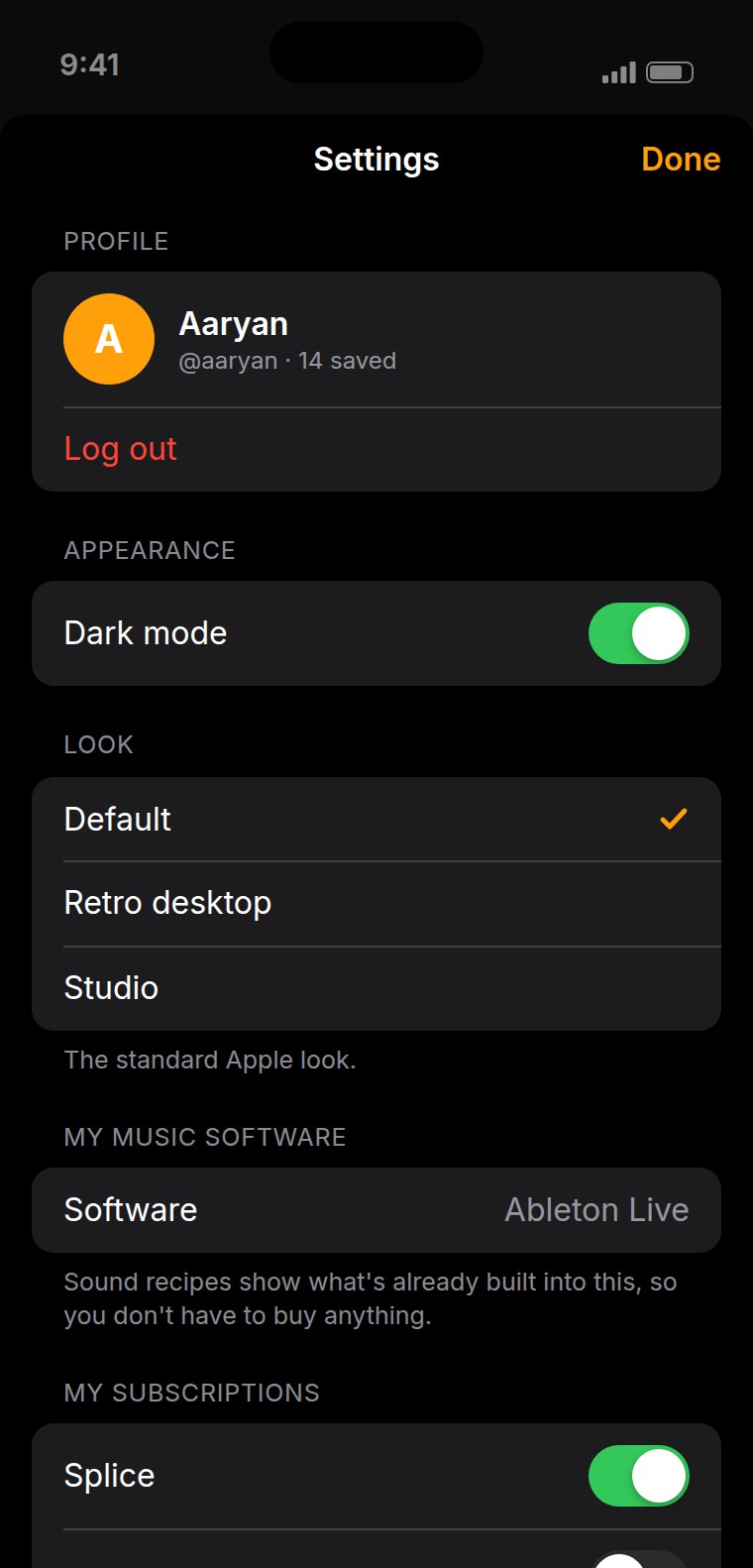
Each layer also points at the closest instrument already built into Ableton, FL Studio, GarageBand or Logic, so the first answer is usually something you already own. Samples are marked free or paid and can be filtered down to the subscriptions you already pay for, with a badge for where they come from — Freesound, SoundCloud, YouTube, Splice. YouTube and SoundCloud results only link out, and only to Creative Commons content. The app never rips audio.
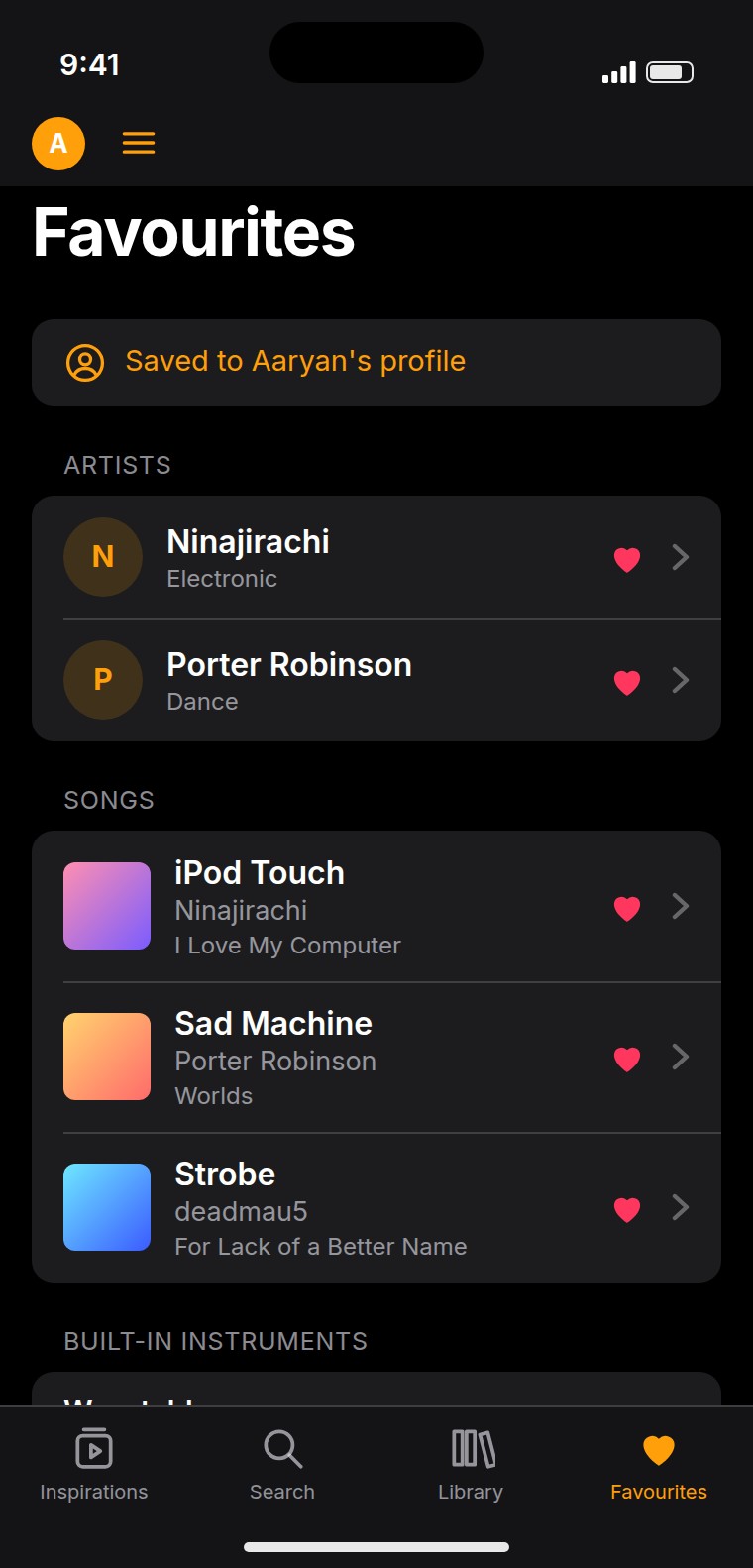
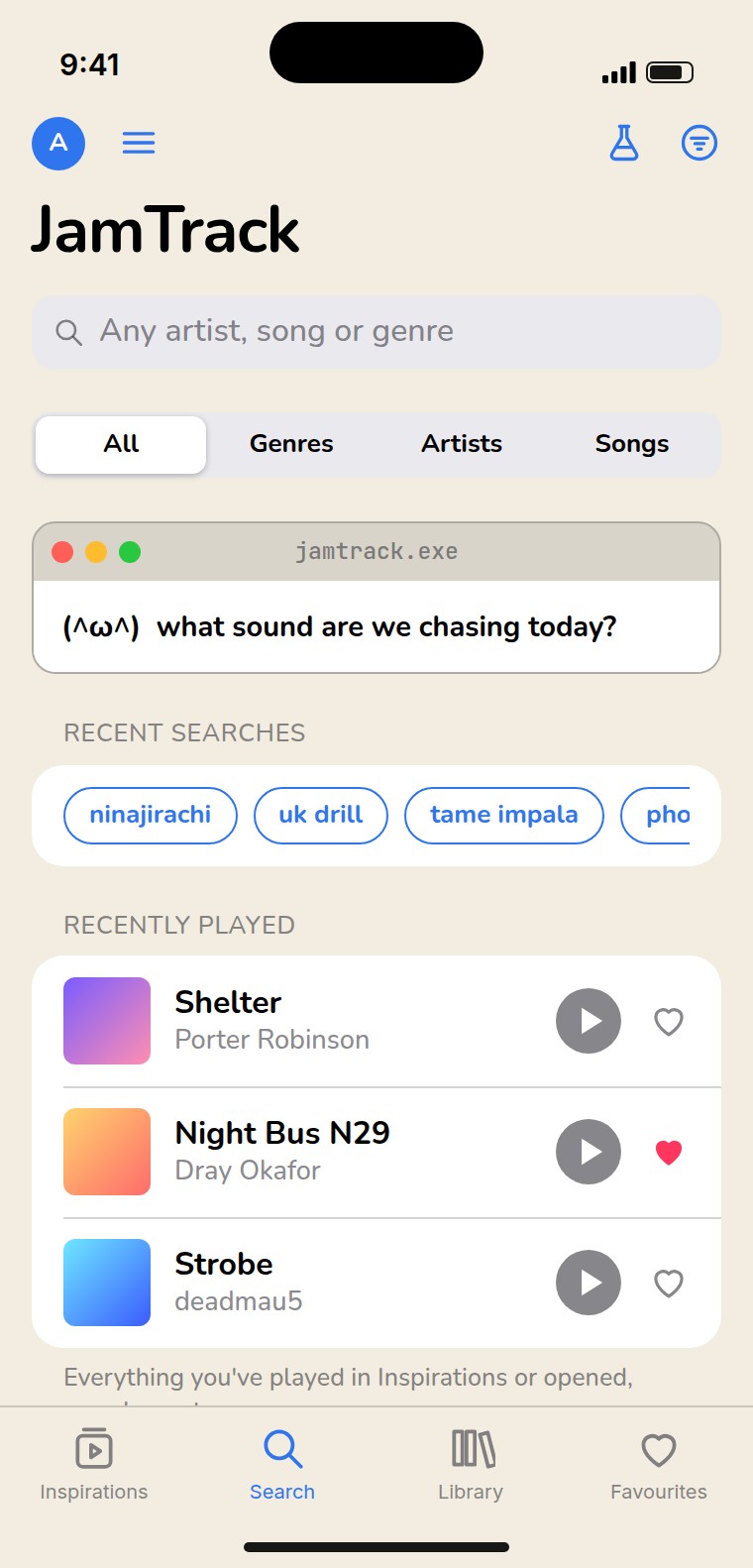
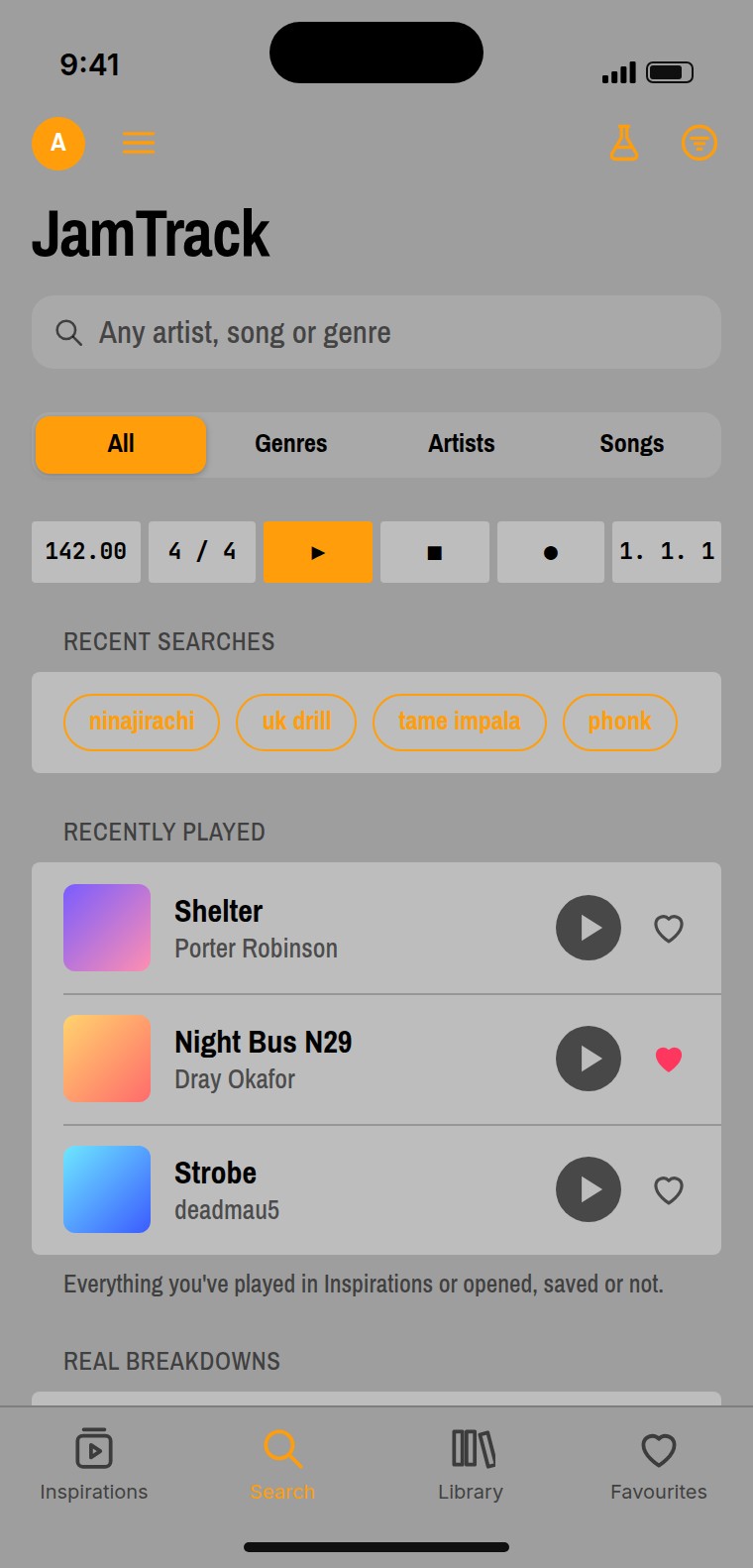
There are favourites and profiles, and three looks to switch between: the default Apple style, a retro one, and one after a studio rack. Each of them in light and dark.
I built a clickable web mockup first to test the flow, then moved it to Swift. The concept, the features and the design calls are mine; the code was written with Claude as a development tool.
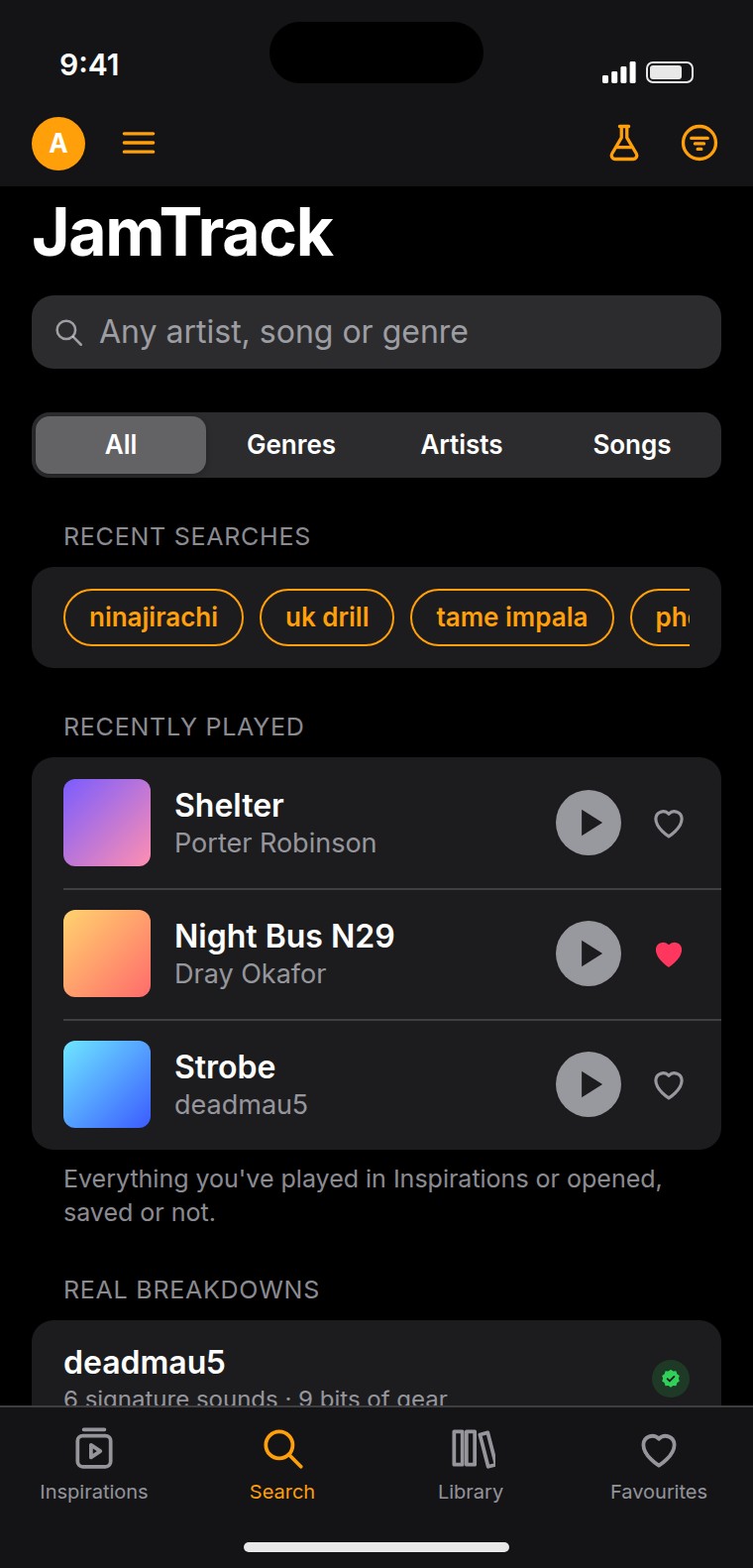
The prototype below, and the screens under it, are the interface rebuilt for the web so it can be looked at and clicked through here. They aren't photographs of the app running on a phone — the Swift version only runs in Playgrounds.
An iPhone prototype in SwiftUI. It searches real artists live, plays thirty-second previews, and carries breakdowns researched by hand for deadmau5, Tame Impala, My Chemical Romance, Ninajirachi and Porter Robinson — with an AI pass, clearly labelled as one, for everybody else.