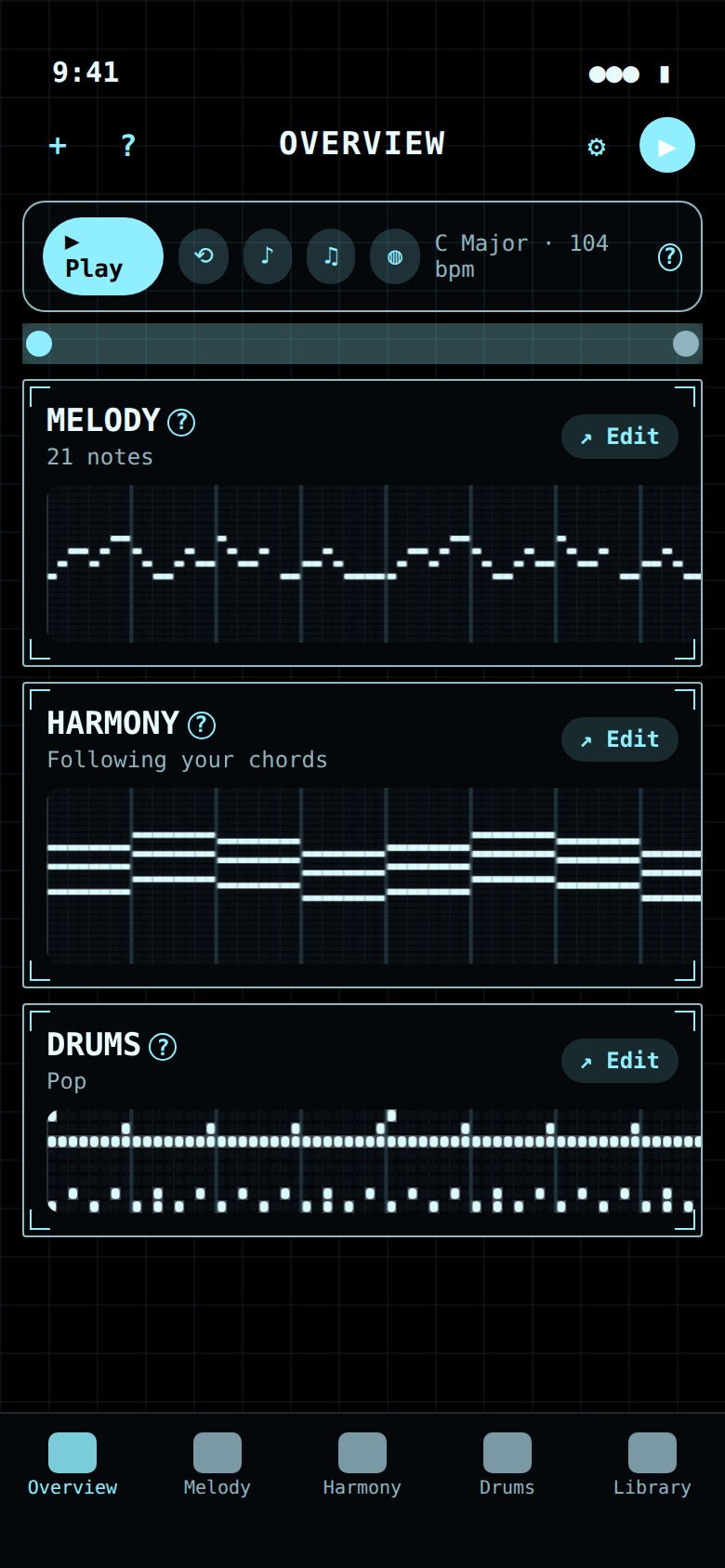
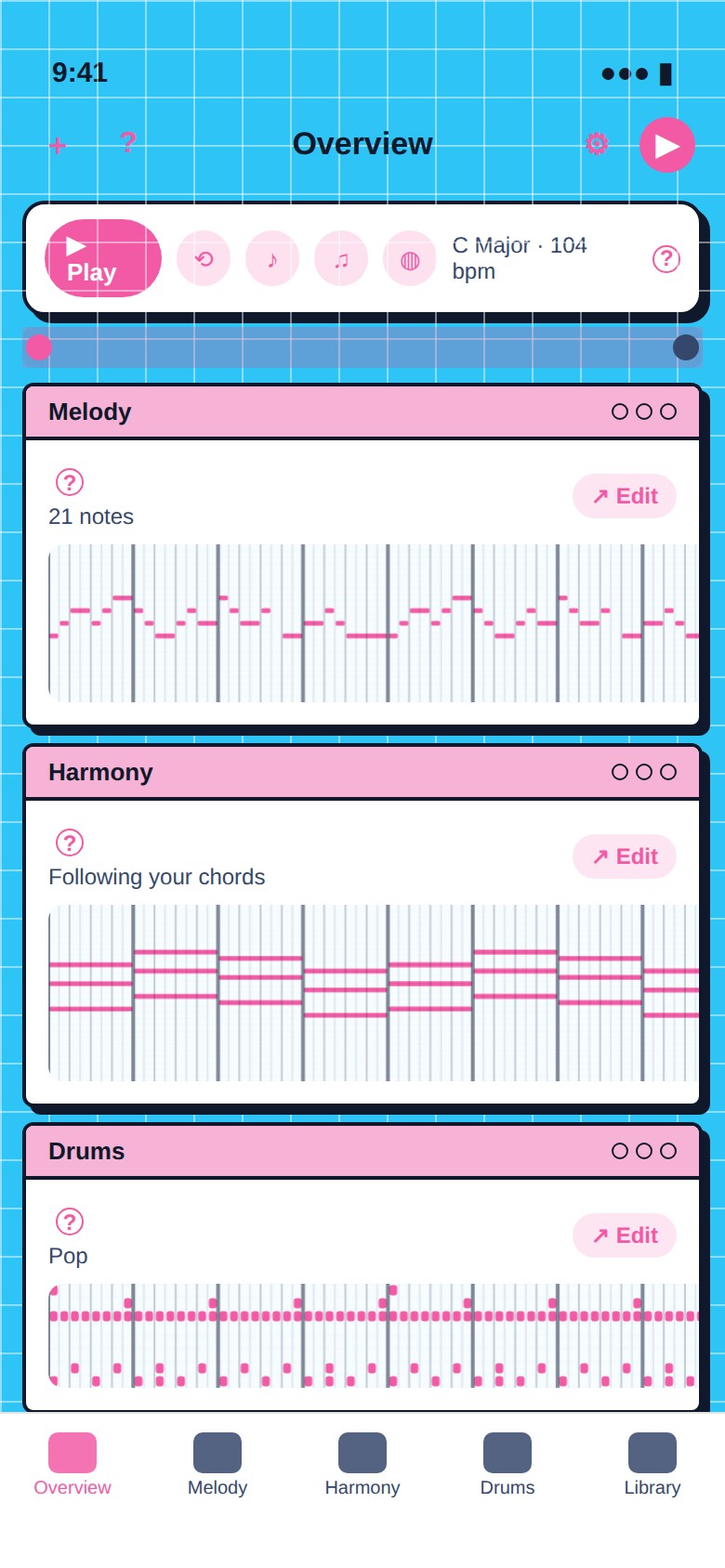
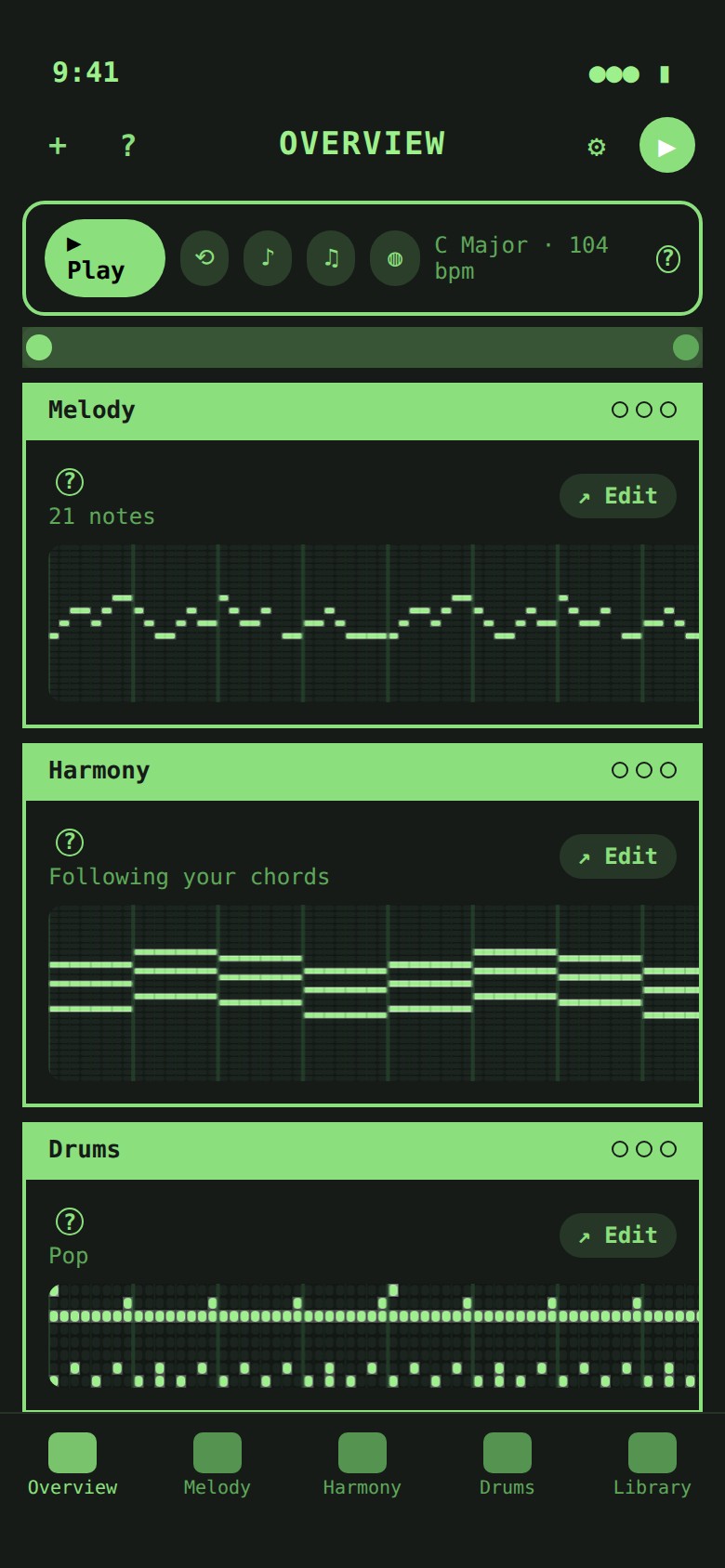
Cadence
An iPhone app that colours in the right notes as you write. Melody, chords and drums, out as MIDI — and not a line of it is AI.
Plenty of people can hum the idea and then freeze at the piano roll. Singers, rappers and beatmakers who know exactly how it should go, but not which notes are allowed. The usual answer is to learn theory first and make something afterwards, which is the wrong way round. I wanted an app where the rules are drawn onto the grid, so you find out why something works while you are making it.
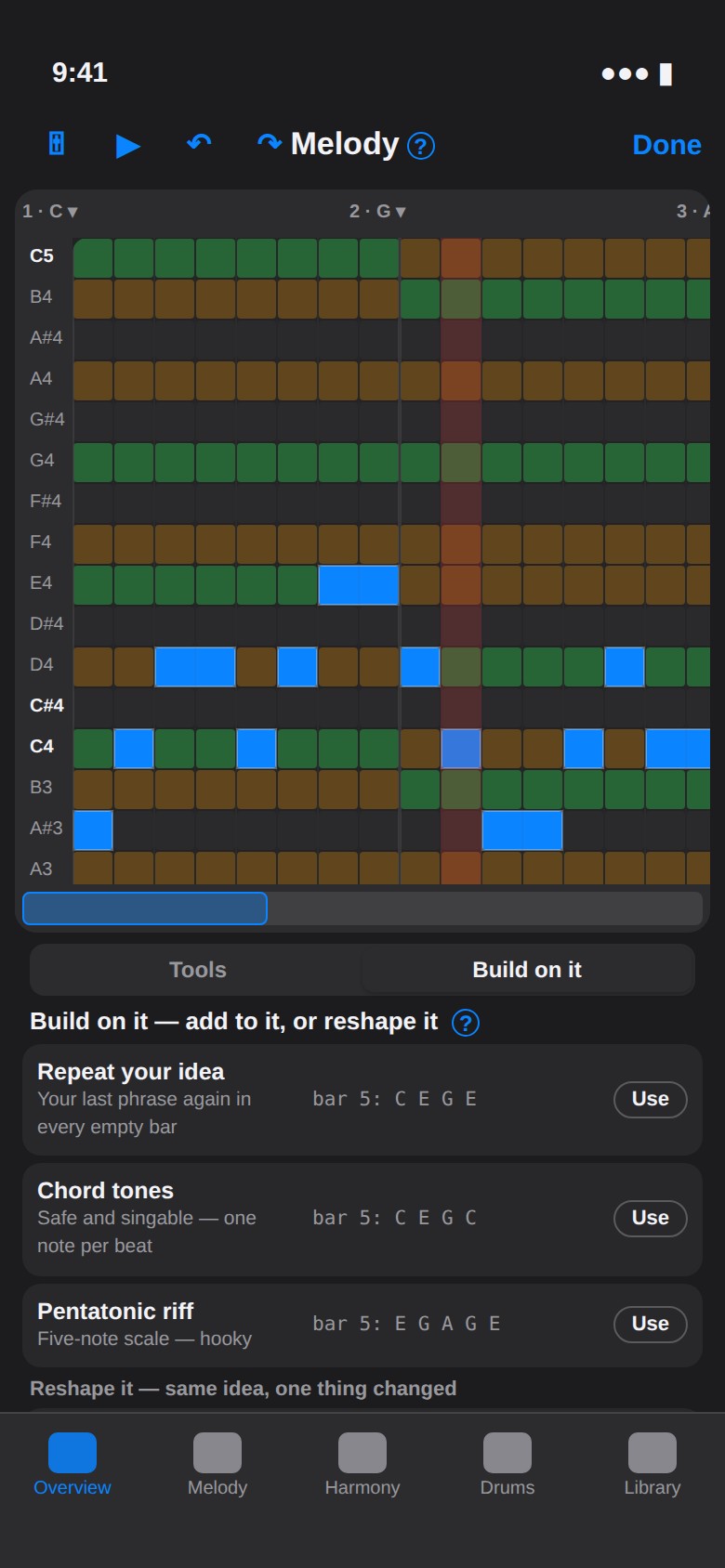
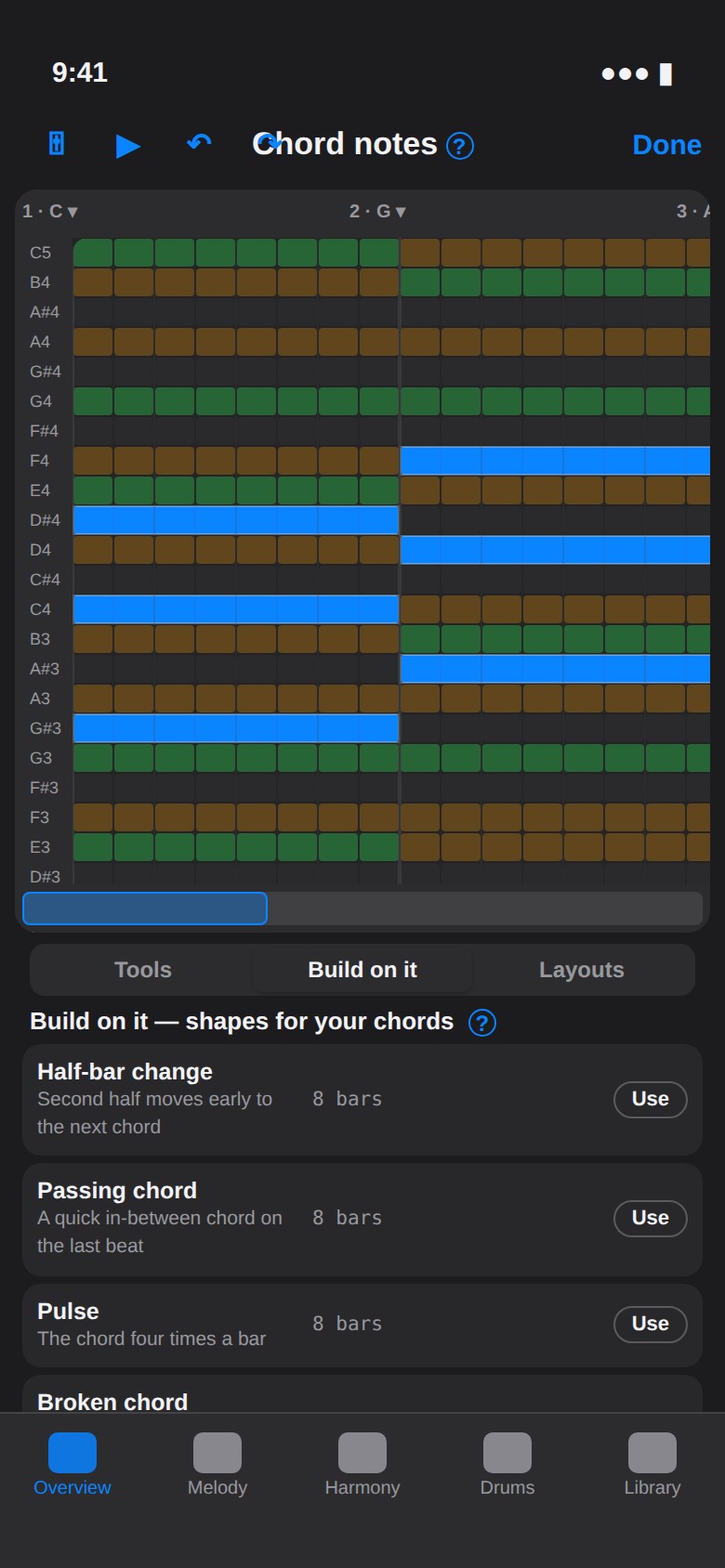
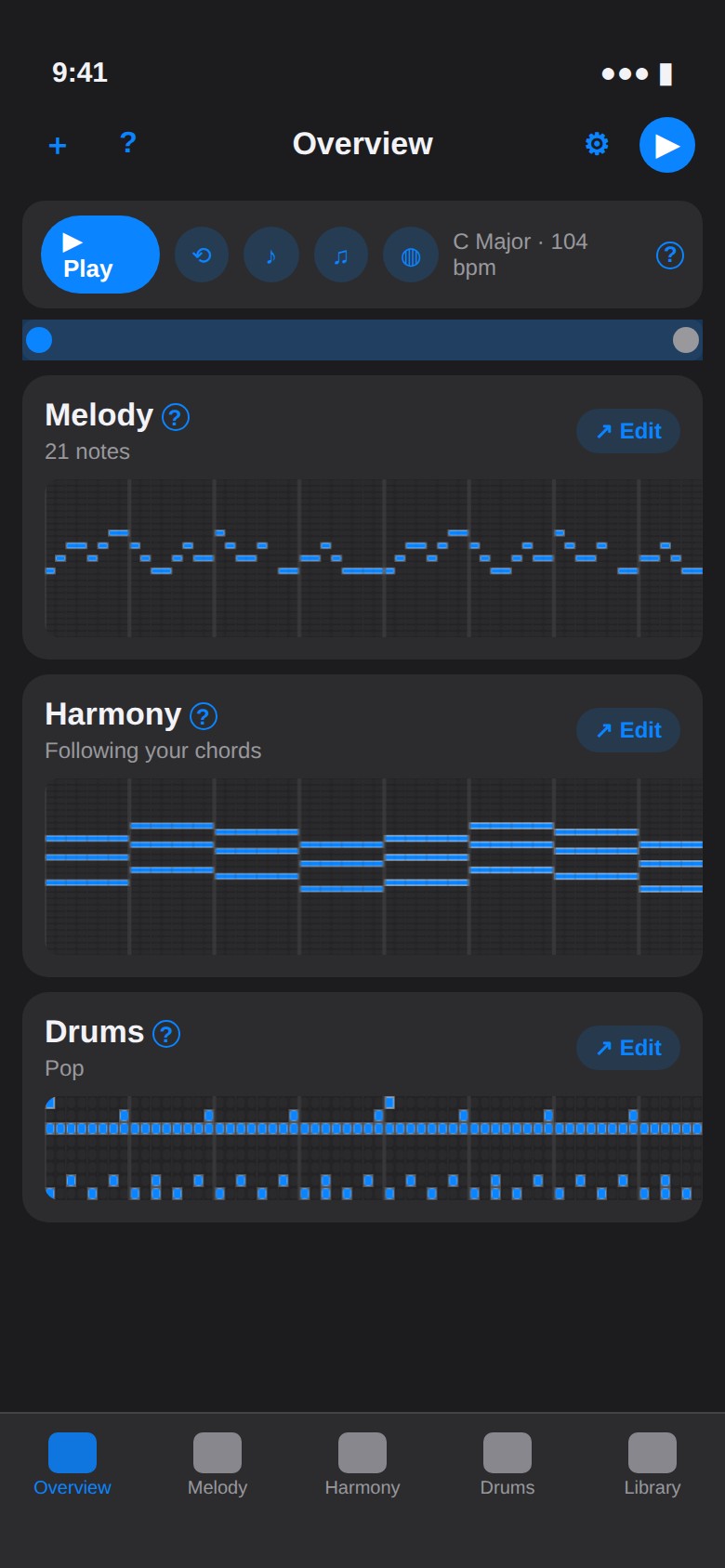
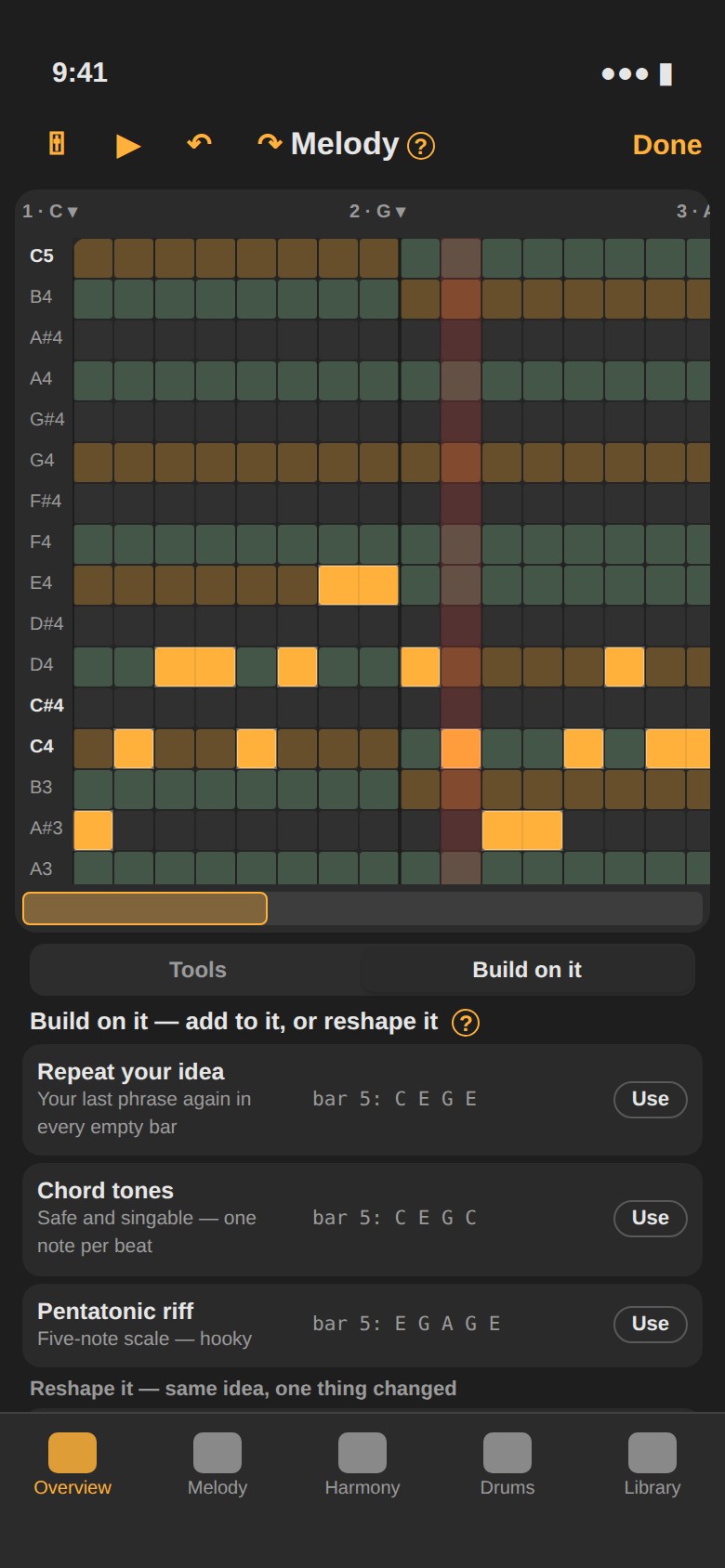
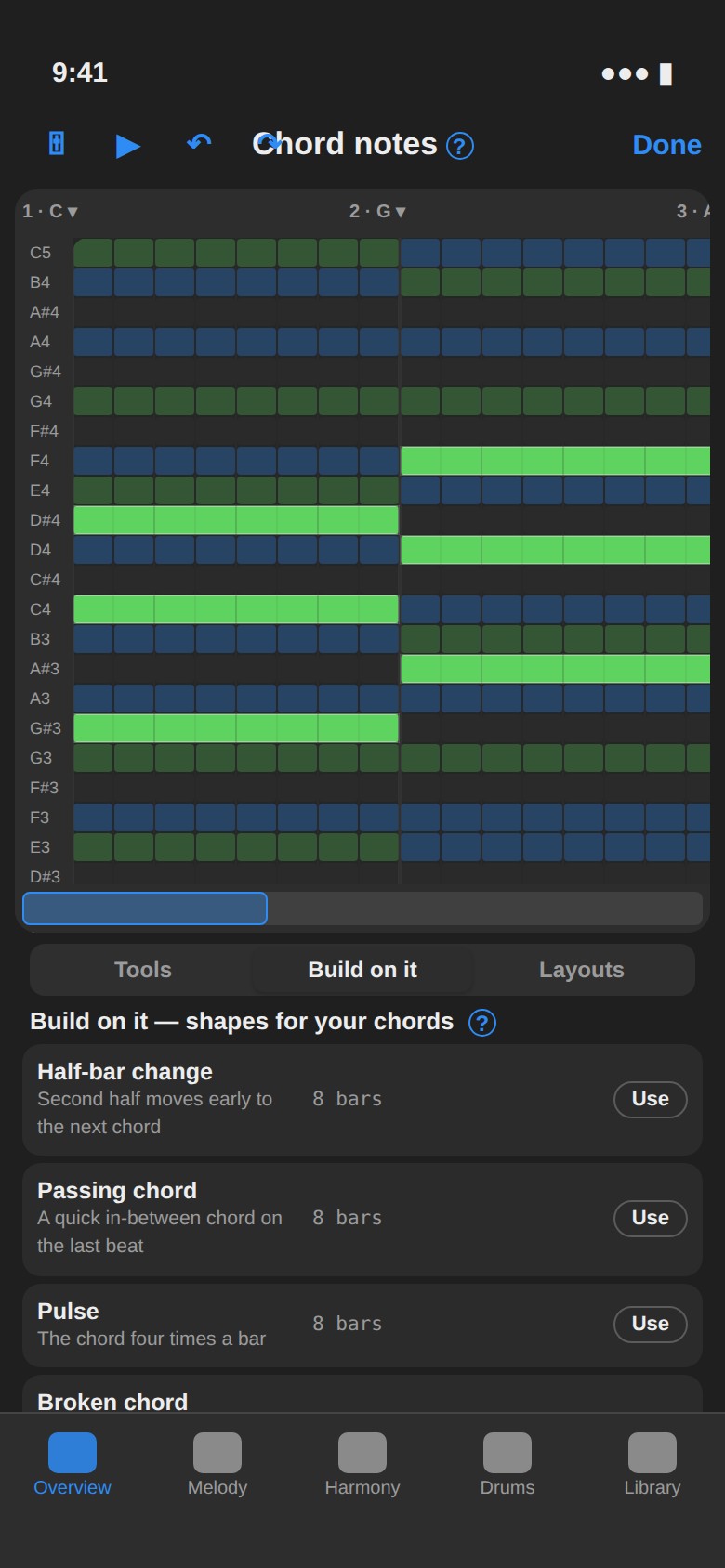
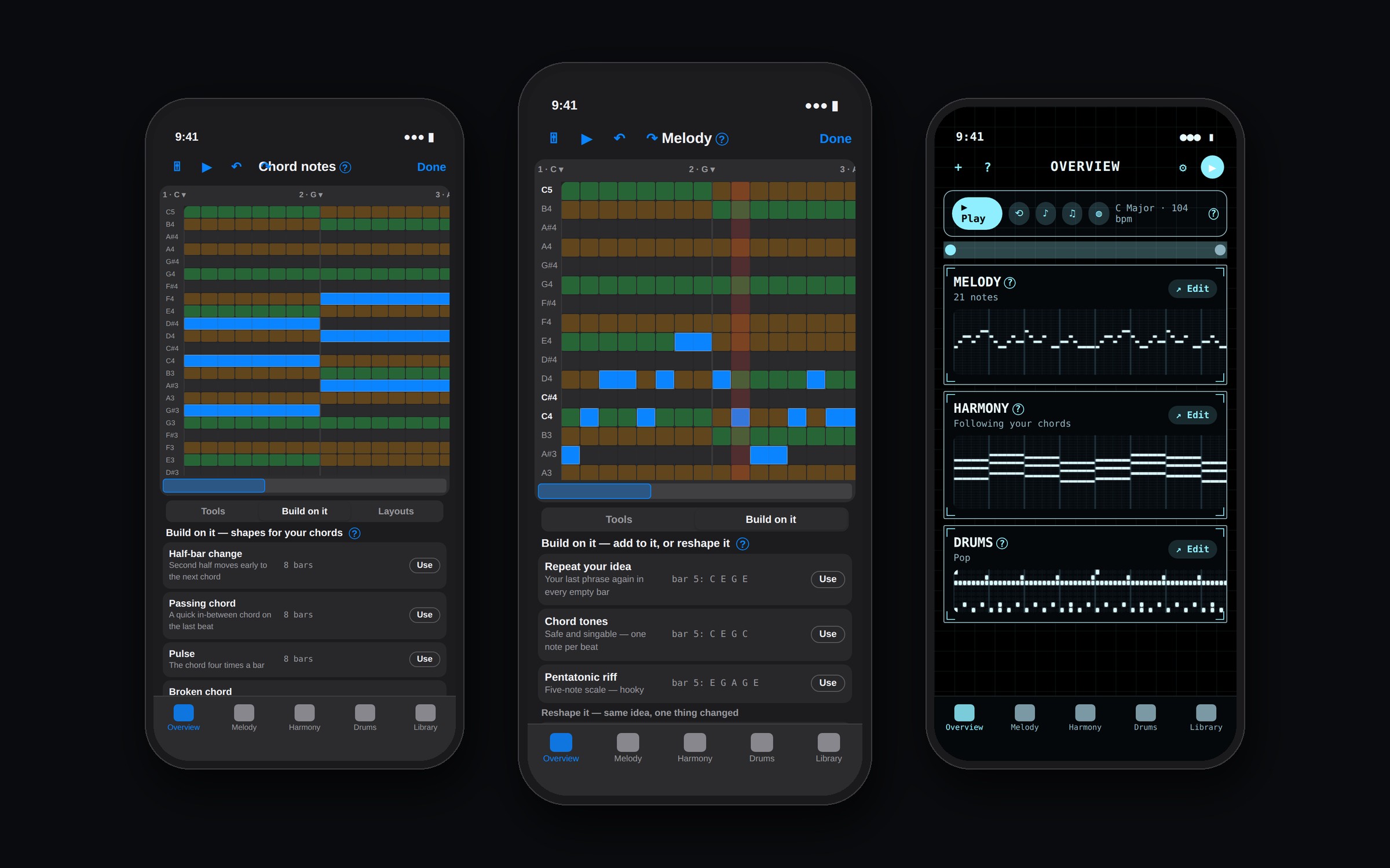
The grid does the theory and you do the taste. Tap a note and the tiles around it colour in: green fits the chord, amber is in the key, grey will sound off, and the blue ones are yours. Tap any tile and it tells you why — “chord tone of Am on a strong beat” — so the colour is an explanation rather than a rule you have to trust.
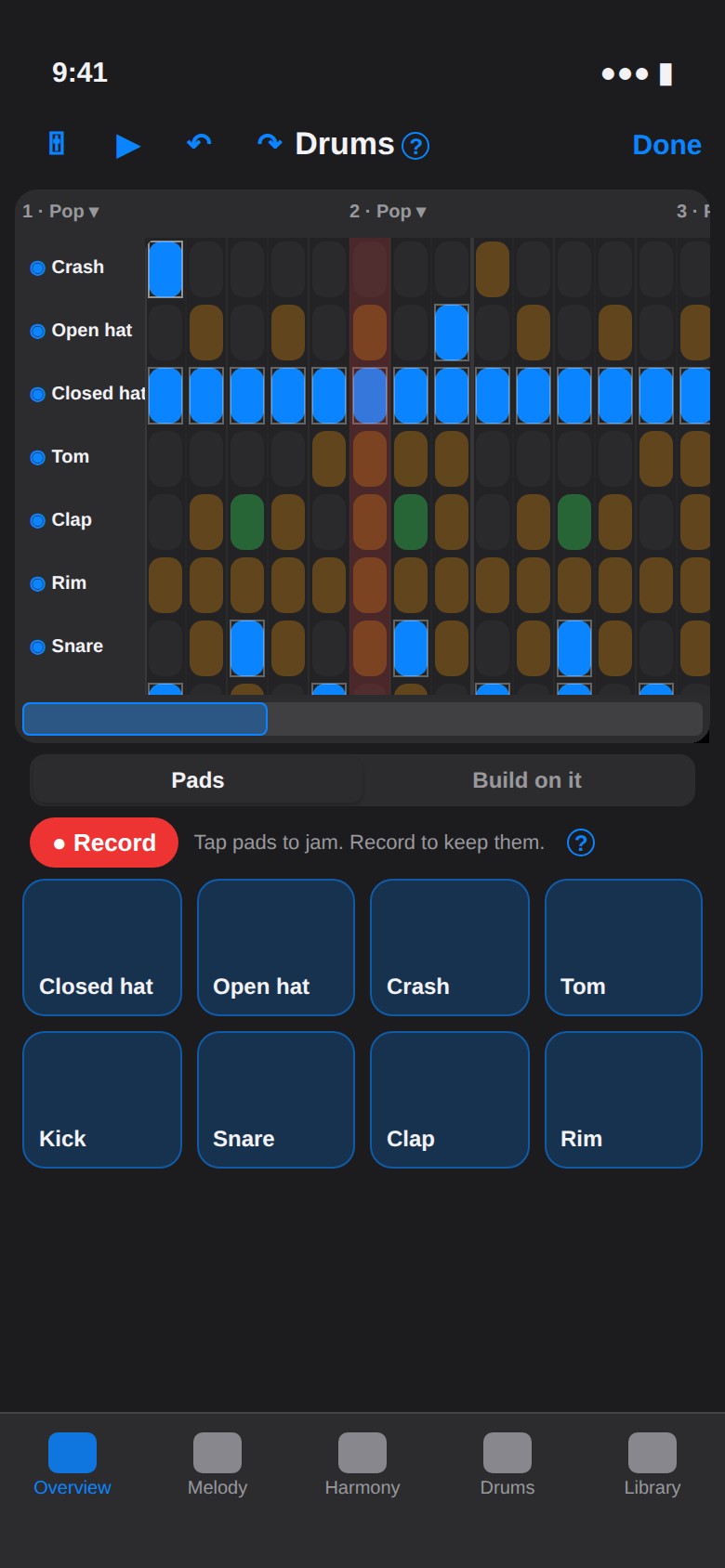
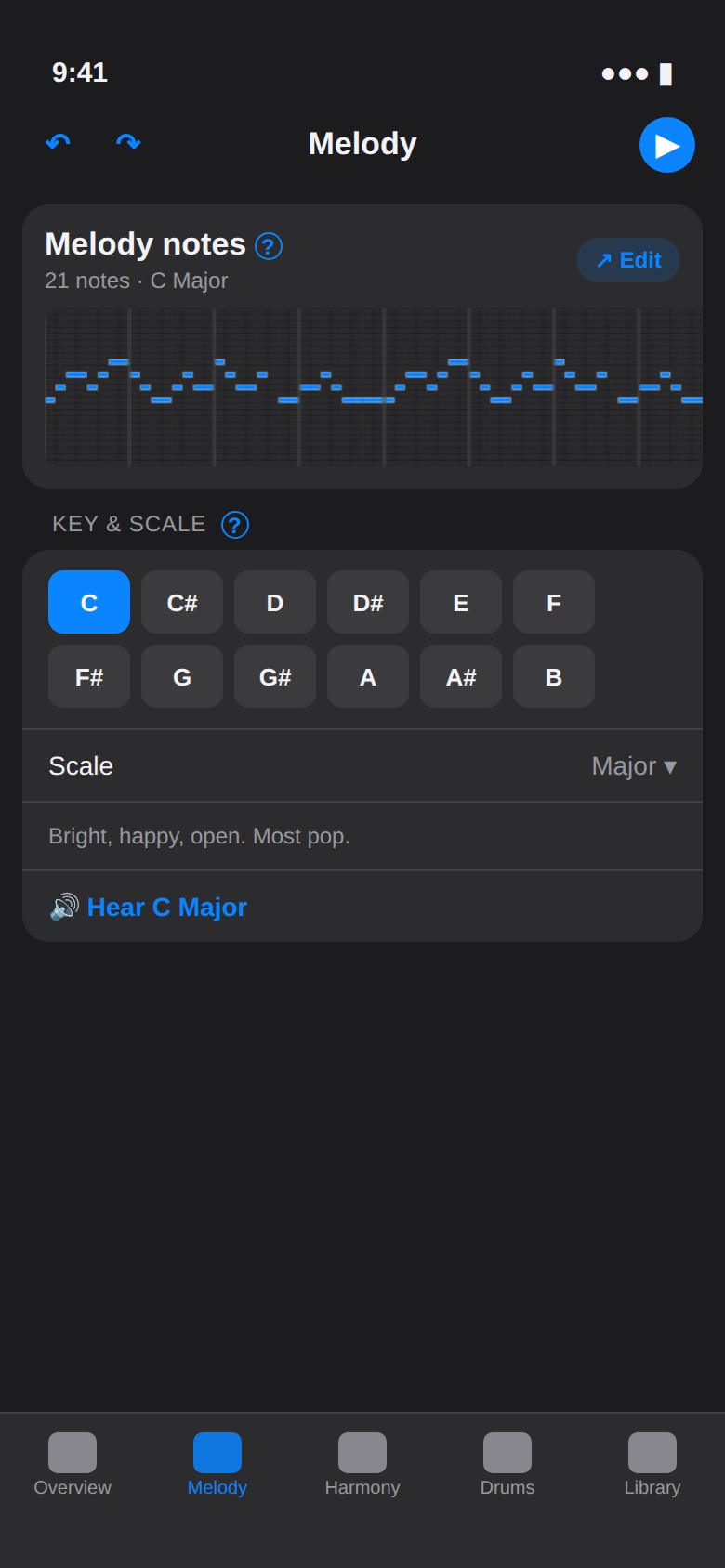
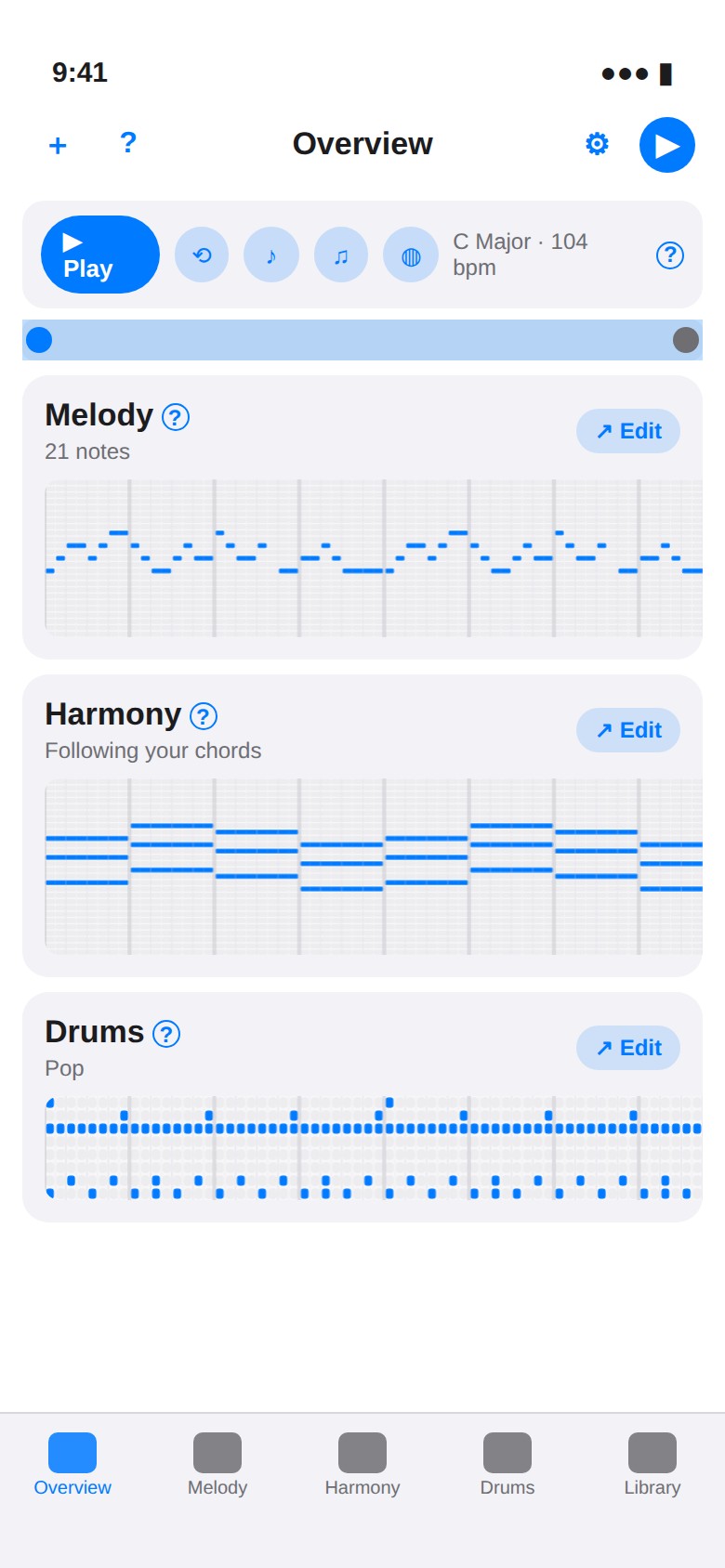
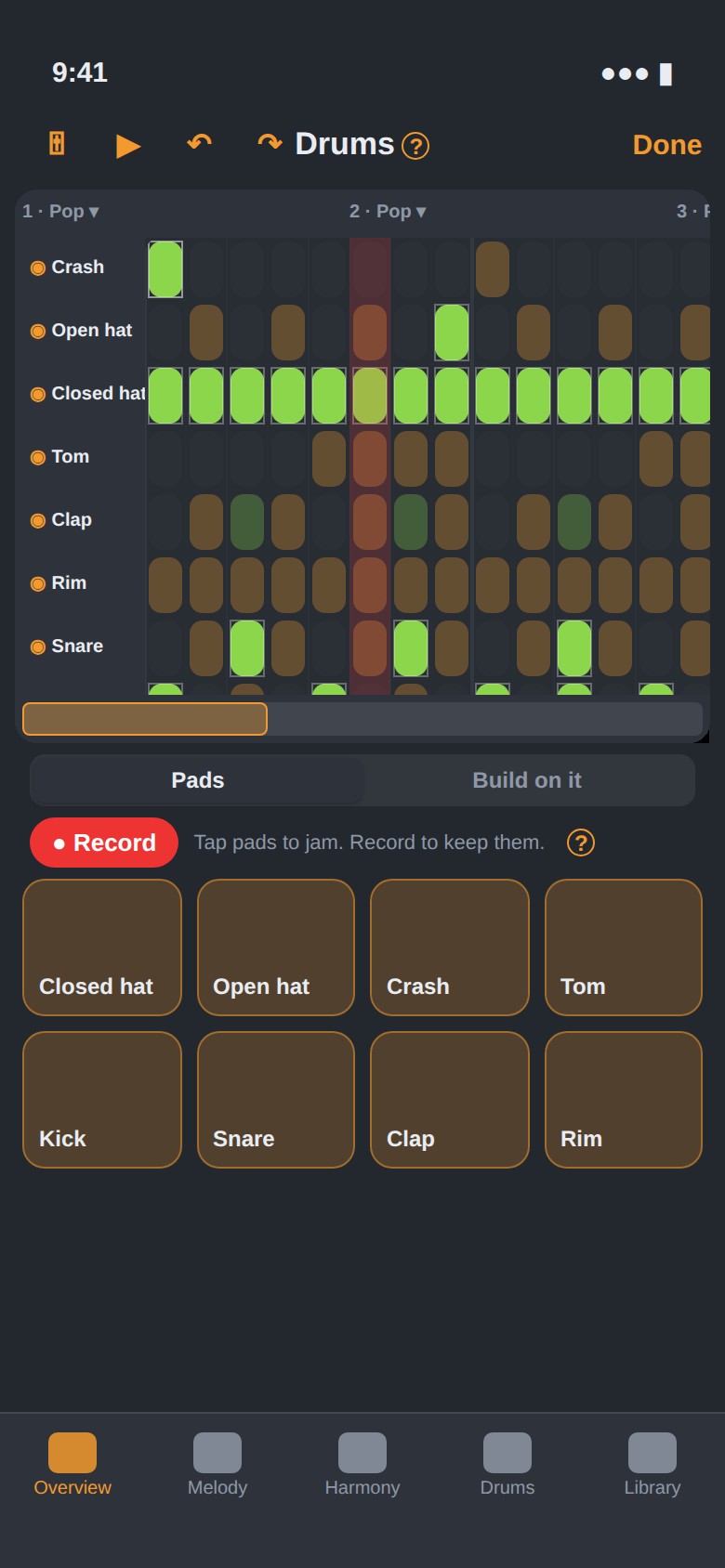
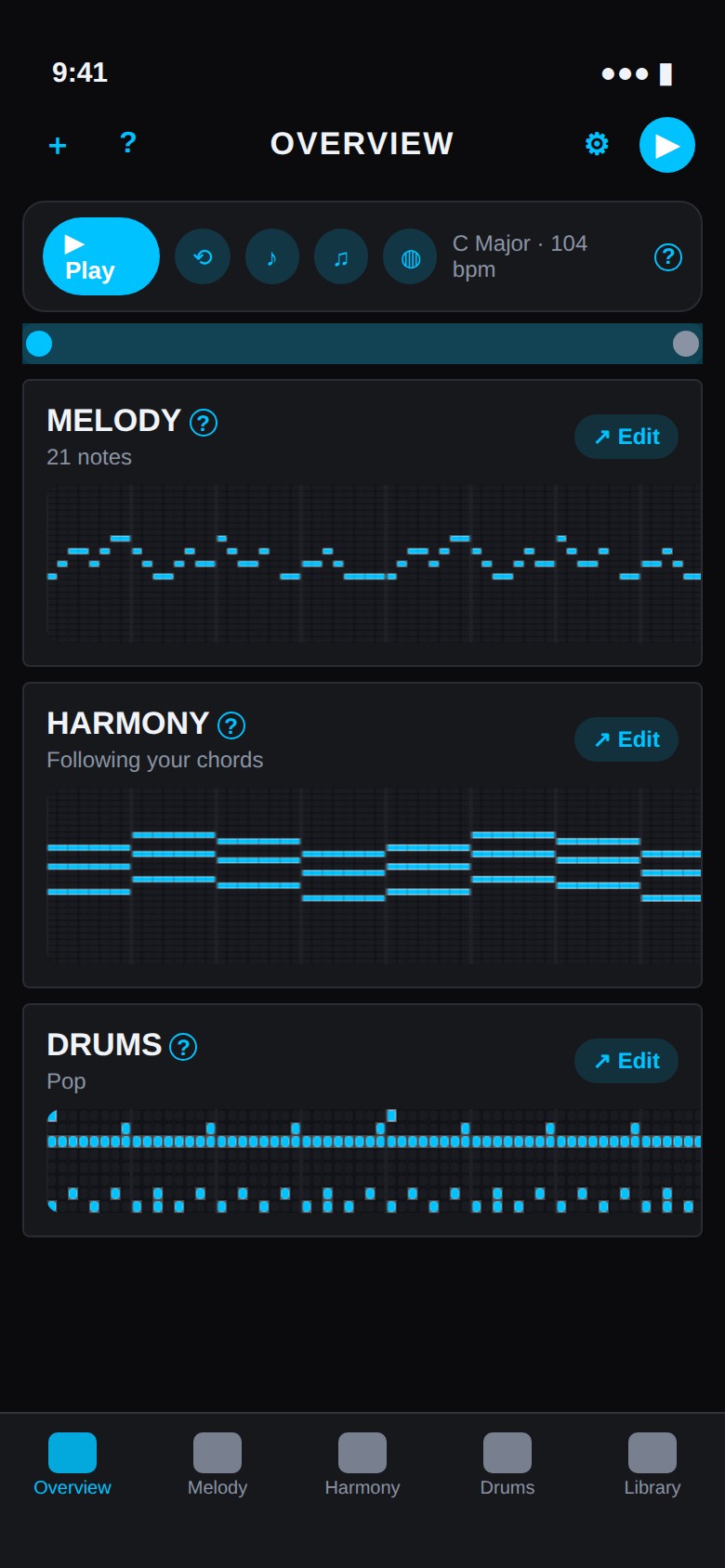
You start by picking a key and a scale, each one carrying a one-line feel and a Hear button, so the choice is made by ear instead of by name. Melody, chords and drums then each get a full-screen editor of their own: a piano roll, one chord a bar drawn from the seven in the key, and an eight-lane drum grid with finger pads you can record into.
Nothing is generated behind your back. Every suggestion is a music-theory rule written by hand, and the ones that offer to help only fill the gaps or change a single thing — repeat your idea, answer it, keep the rhythm and move the notes. They never overwrite what you wrote, and undo is always one tap. A “?” sits next to every feature for the same reason.
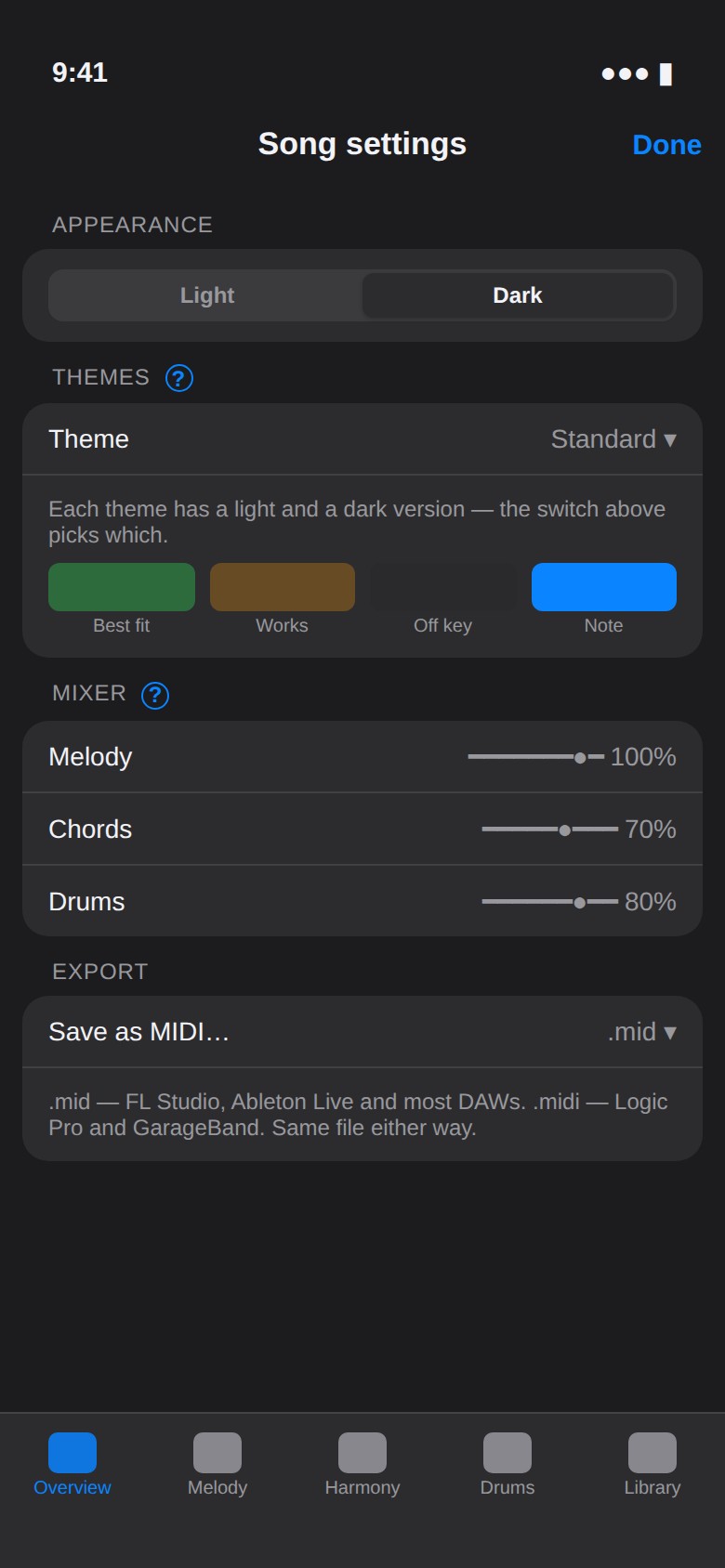
It is a sketchpad for a real DAW, not a replacement for one. Everything exports as MIDI, either as one file or one per part, spelled .mid for FL Studio and Ableton Live or .midi for Logic and GarageBand, and as a WAV if you just want to send it to someone. Eight themes, each in light and dark, keep the same four tile colours throughout so the grid reads the same wherever you are.
The concept, the feature set and the design calls are mine; the code was written with AI as a development tool.
The site below is the one I made for it, running here. The screens under it are mock-ups drawn from the app's real layouts and colours — not photographs of it running on a phone.
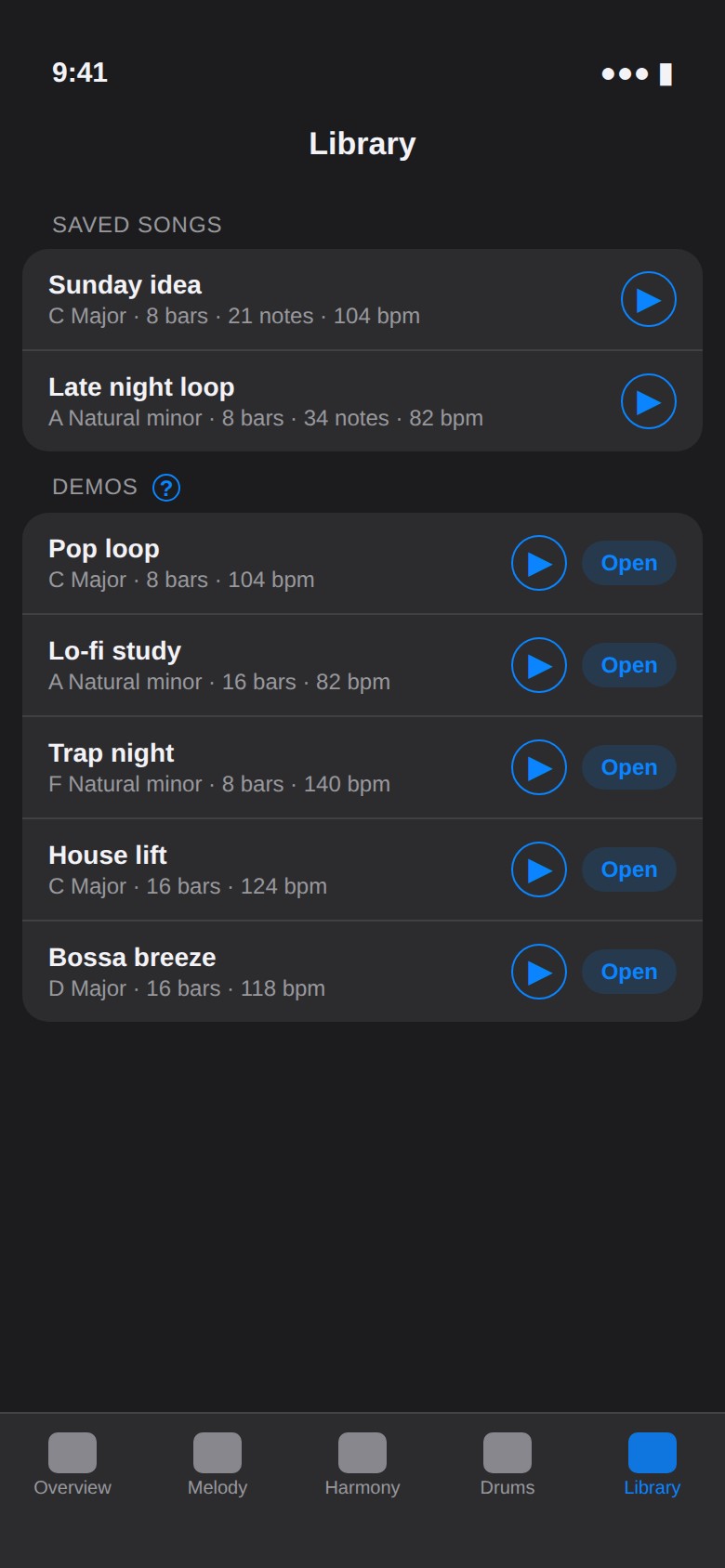
An iPhone app in SwiftUI, with a live synth on AVAudioEngine, Standard MIDI File export written by hand, and an offline WAV render. Eight themes in light and dark, twelve drum grooves and seven built-in demos made only from the app's own material. Cadence is a working title.