Channel Toolkit
A planning tool for my own YouTube channel. Studio tells you how a video did; this one is about what to make next.
YouTube Studio tells you how a video did. It doesn't tell you what to make next. I had 178 uploads on my gaming channel and no clear picture of what was actually working, so I built the thing I wanted: a toolkit organised around decisions rather than charts.
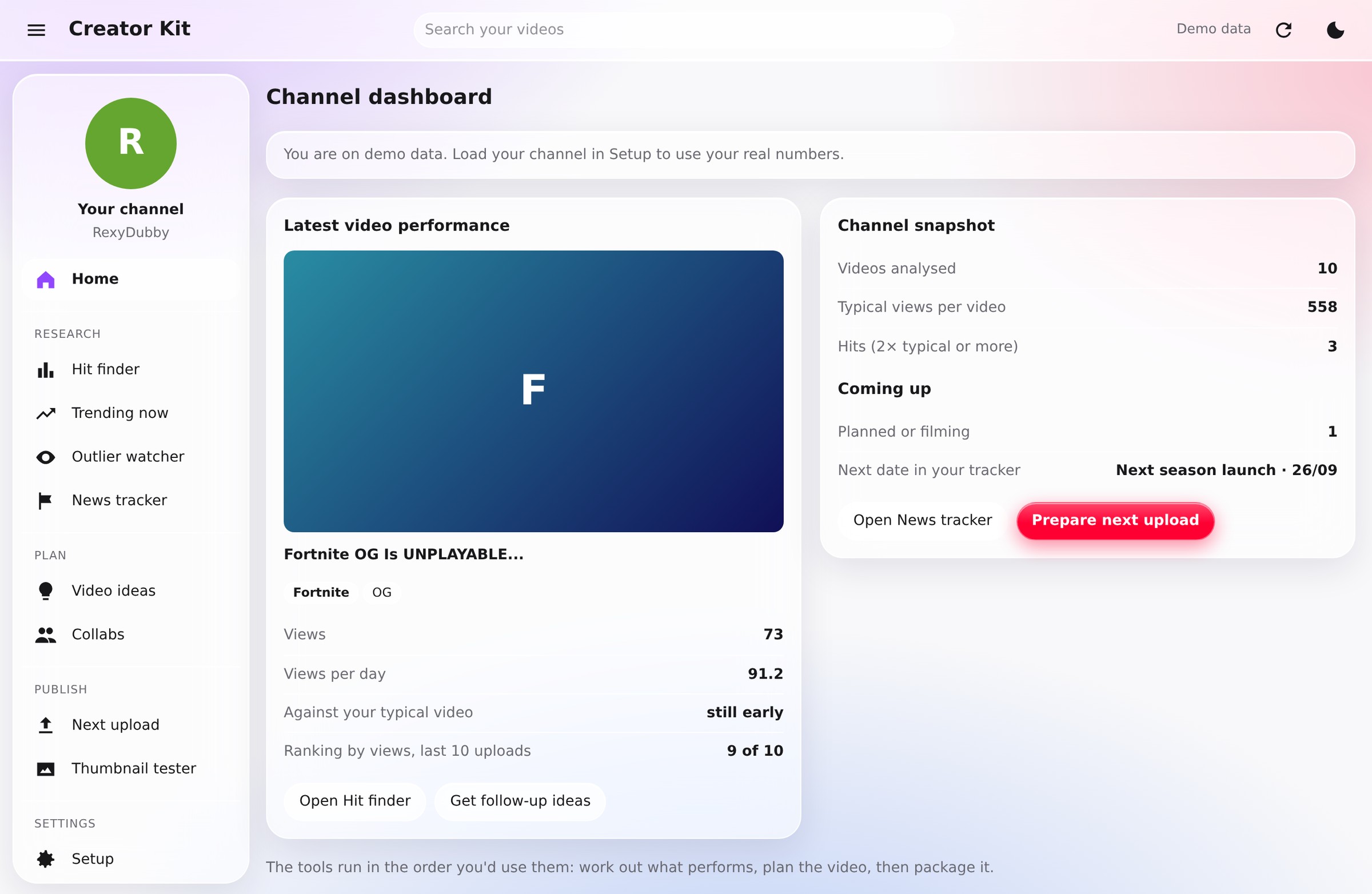
The tools run in the order you'd use them, and the menu says so: research, plan, publish. That was the first design decision and everything else followed it. You find out what works, you decide what to make, then you package it.
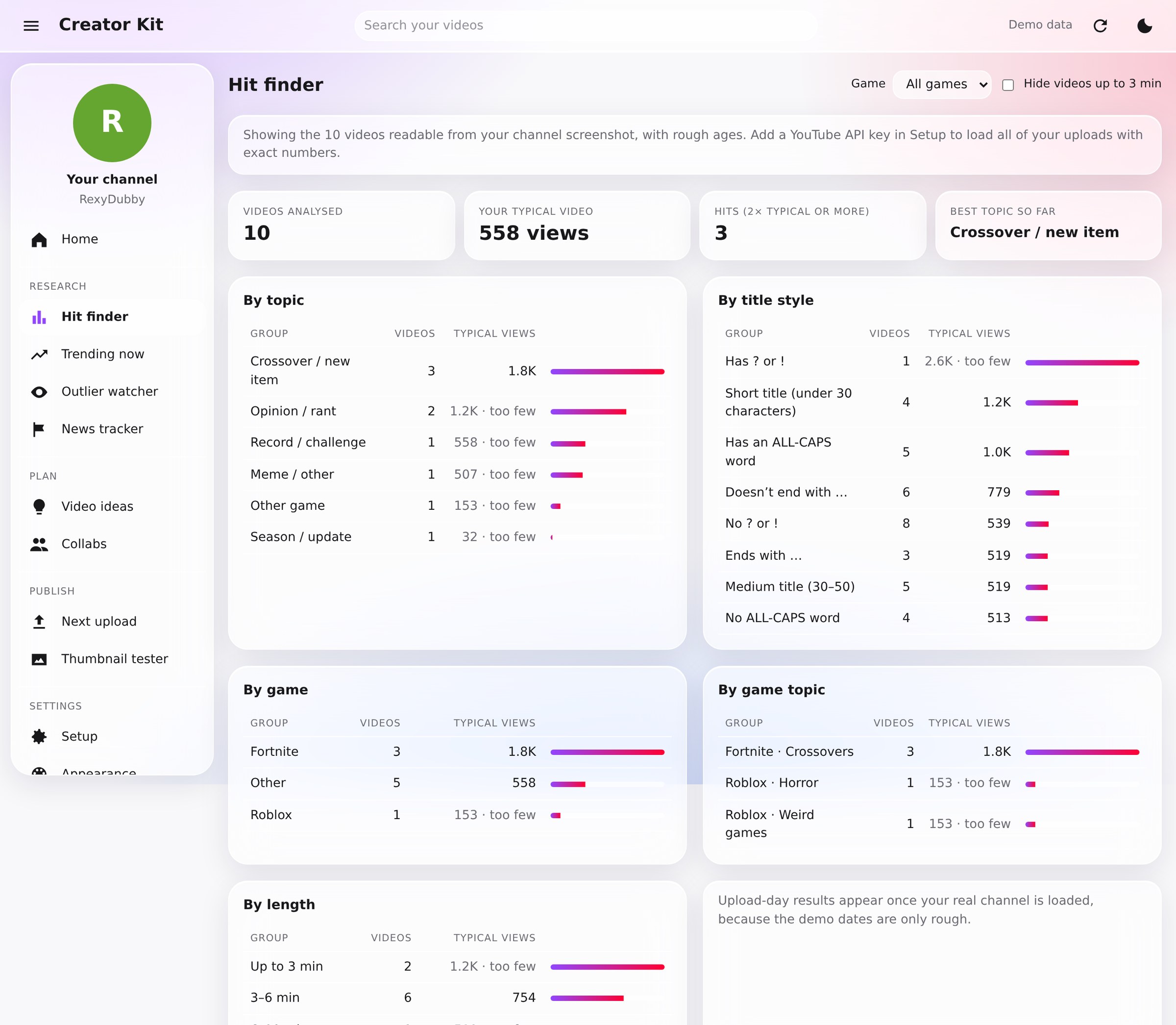
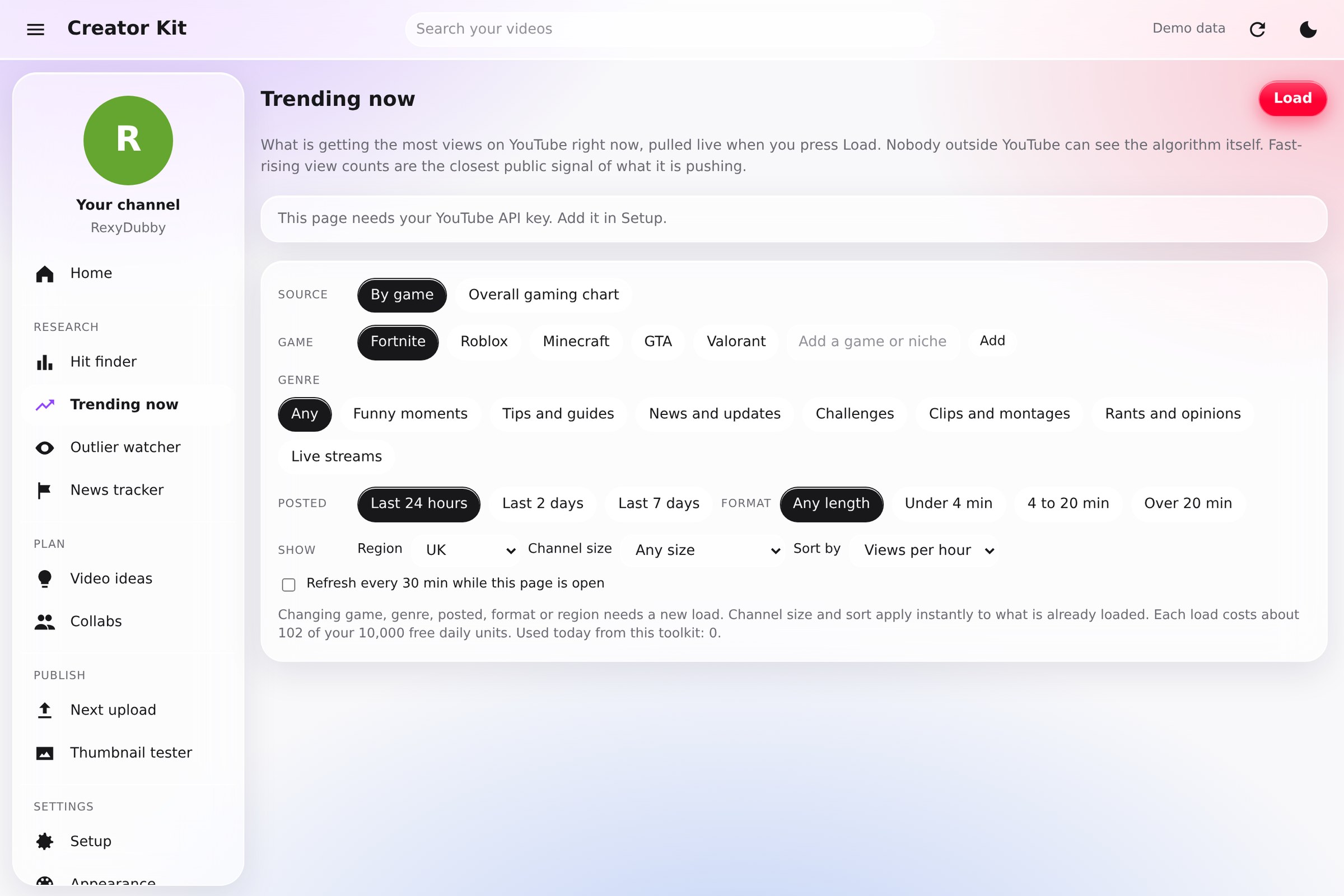
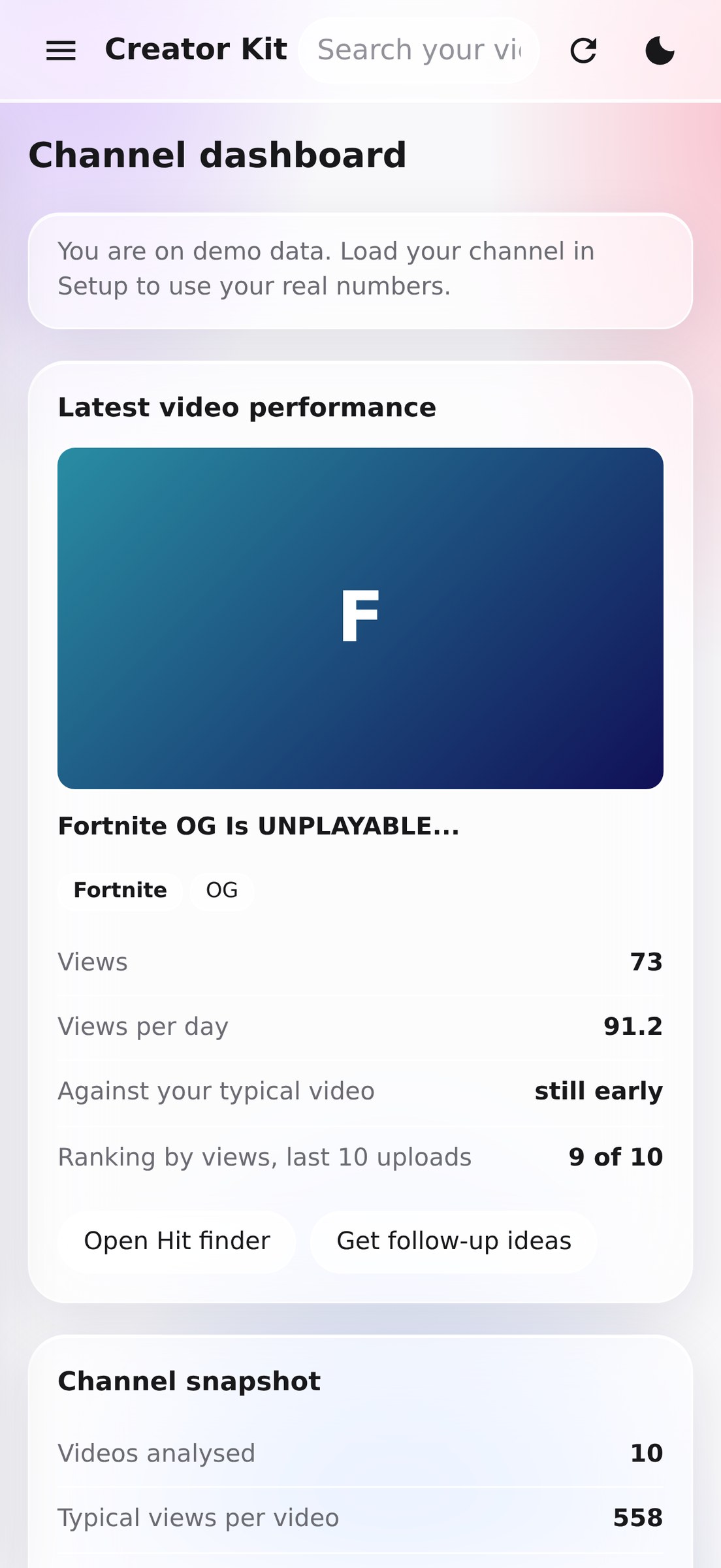
Research is the part I use most. Hit finder ranks every video against my own typical numbers and then breaks the results down by topic, title style, length, game, and topic within the game, so I can see which of those is doing the work. Trending now shows what's gaining views fastest today, filtered by game, genre, region and channel size, and sets it against my own back catalogue to show gaps. The outlier watcher looks for videos taking off on channels my size.
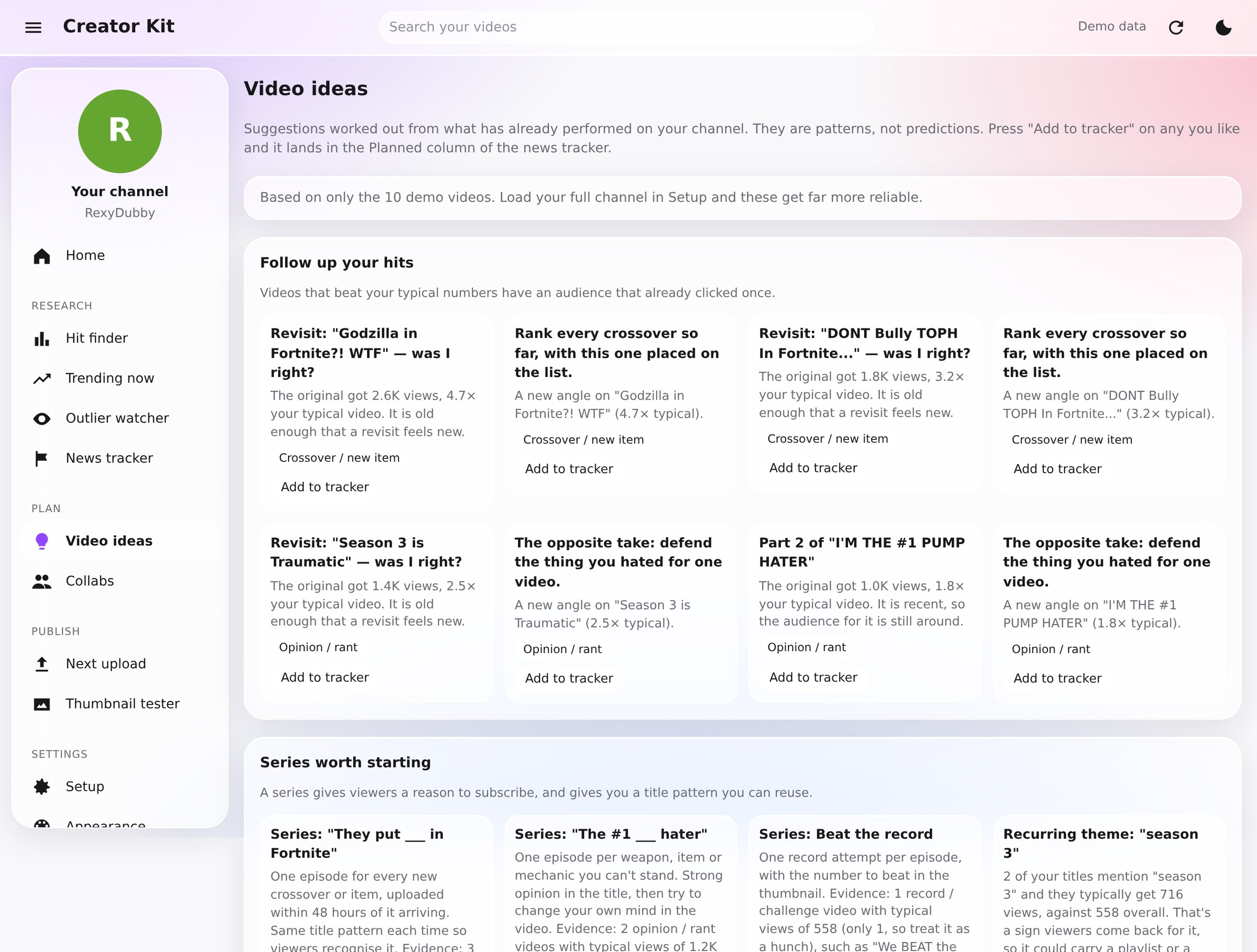
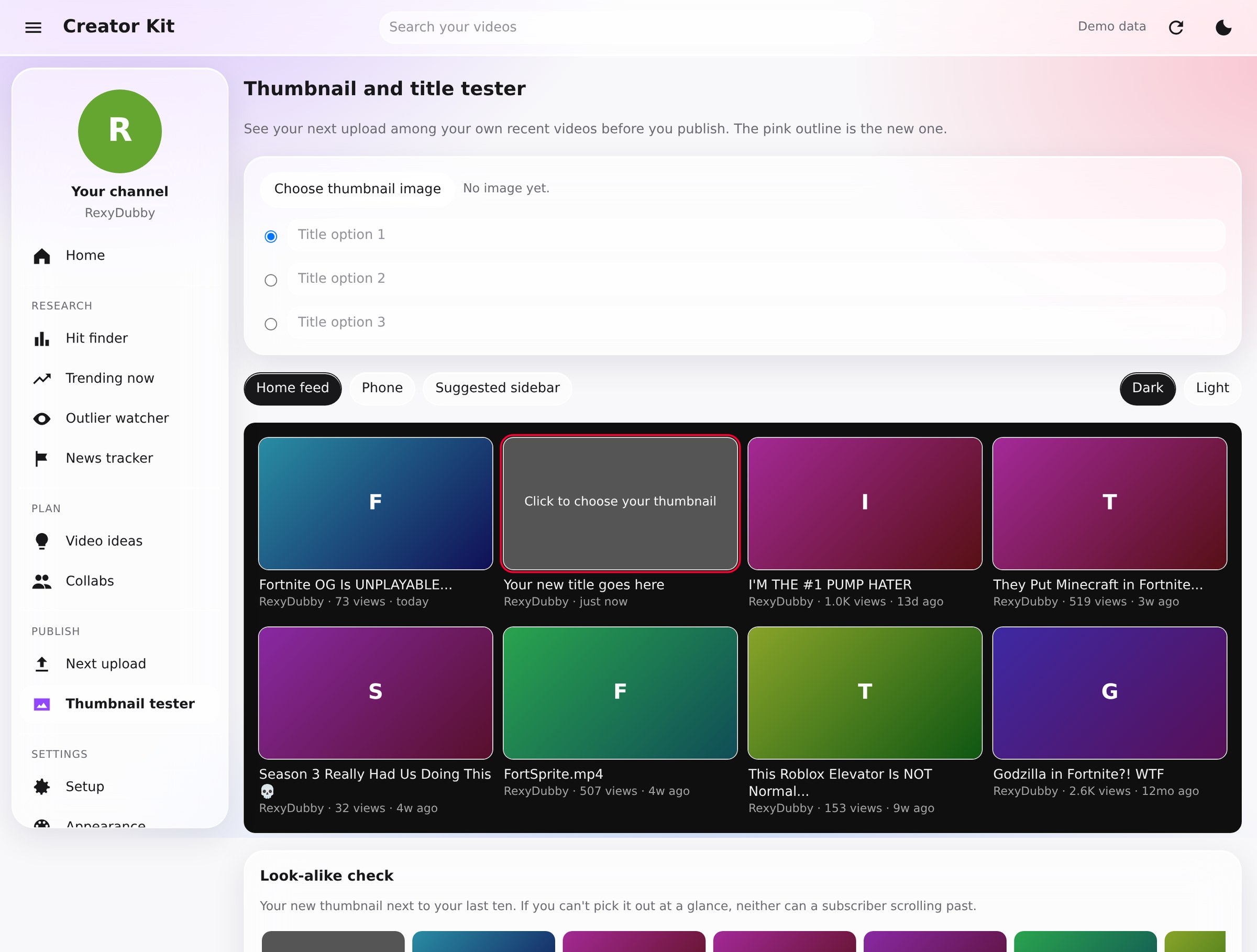
Plan and publish come off the same data. Video ideas are follow-ups to things that already hit, series worth starting, and topics to drop, with a board to move an idea from spotted to uploaded. Next upload gives title options shaped by the patterns in my best-performing titles, and the thumbnail tester puts a new thumbnail among my recent ones at phone size, which is the only fair way to look at it.
It's laid out like YouTube Studio because that's what a creator already has open, with my own colour system over the top — YouTube red and Twitch purple, light and dark, and an Apple-style glass look you can turn off in Appearance. The phone layout is its own thing: card lists, pull to refresh, and a detail sheet that slides up.
I set the product direction, the feature set and the design, and built it with Claude as a coding partner: I defined every feature, tested each version against my own channel, and worked from what came back.
A working toolkit on live channel data, as a web app and as an iPhone app.